Did you know that 75% of marketers said generative AI helps them create more content than they would without it? Technology is becoming a bigger part of everyday work, but technical writing is much more than writing alone. It requires communication, research, understanding complex concepts, and explaining them clearly—something that still depends on the human element.
So rather than fear AI, the better approach is to integrate it into your professional life. At the same time, it makes sense to strengthen your technical writer resume. Use this guide to show everything you can do that a machine can’t.
Here’s what this guide covers:
- A technical writer resume format that is easy to read and understand
- Sample resume sections for your experience, education, and personal statement
- How to create a portfolio if you have no experience
- Soft, hard, and technical skills
- Whether you need a specific degree to become a technical writer
- The best certifications for technical writing
- Additional resume sections that can help you stand out
- Technical writer resume examples you can use to build a strong application
These related resume and cover letter guides may also help:
- Technical writer Cover Letter Example
- Freelance Writer Resume Example
- Writer Resume Example
- Grant Writer Resume Example
- Copywriter Resume Example
- Content Manager Resume Example
- Content Creator Resume Example
- Journalist Resume Example
- Content Writer Cover Letter Example
How to format a technical writer resume
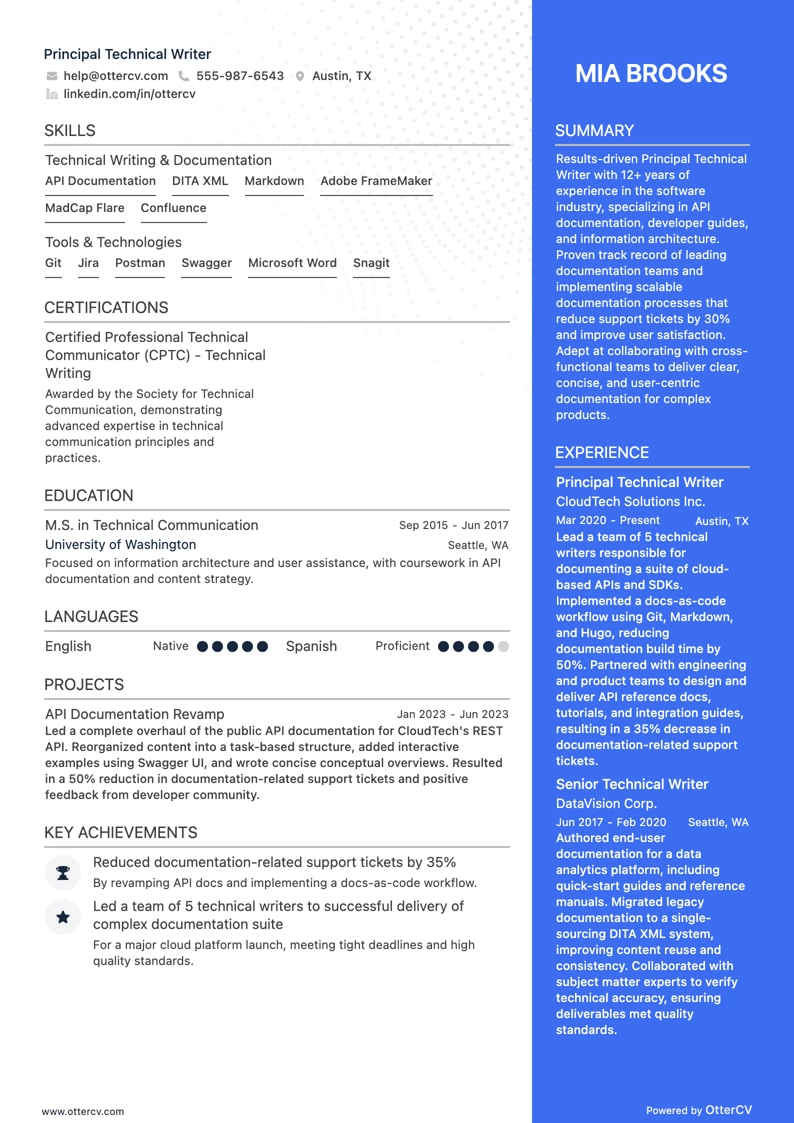
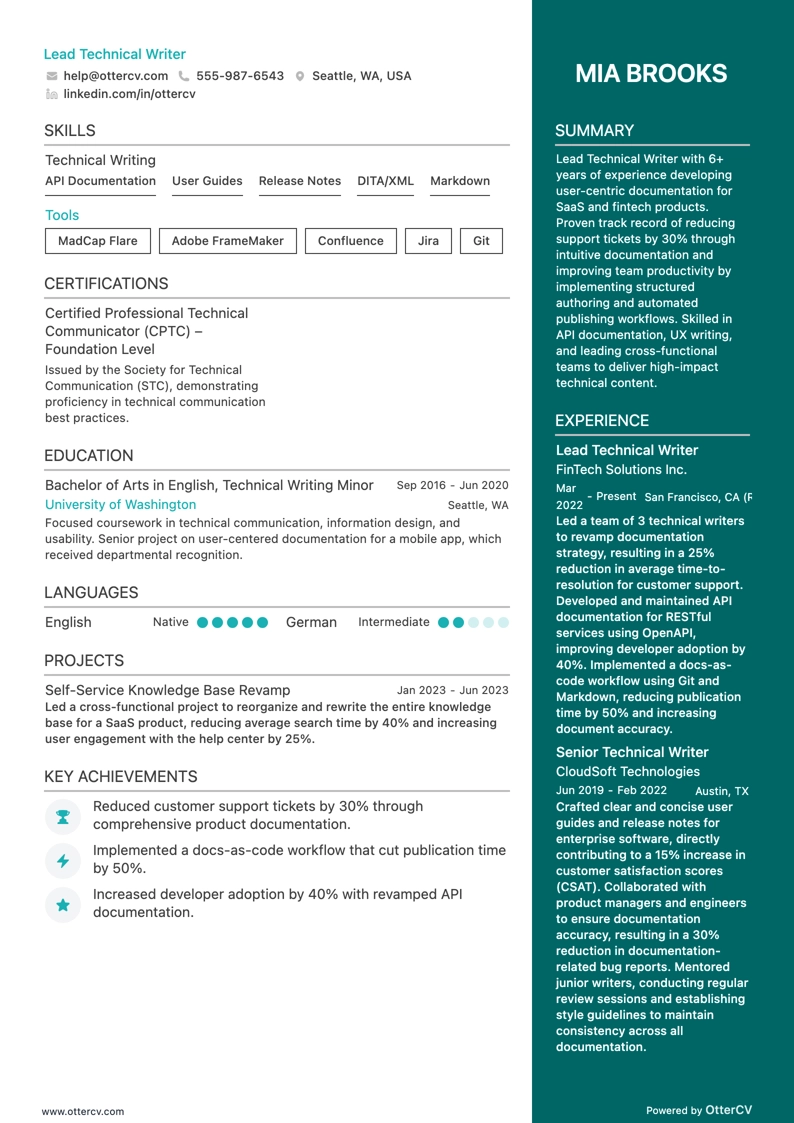
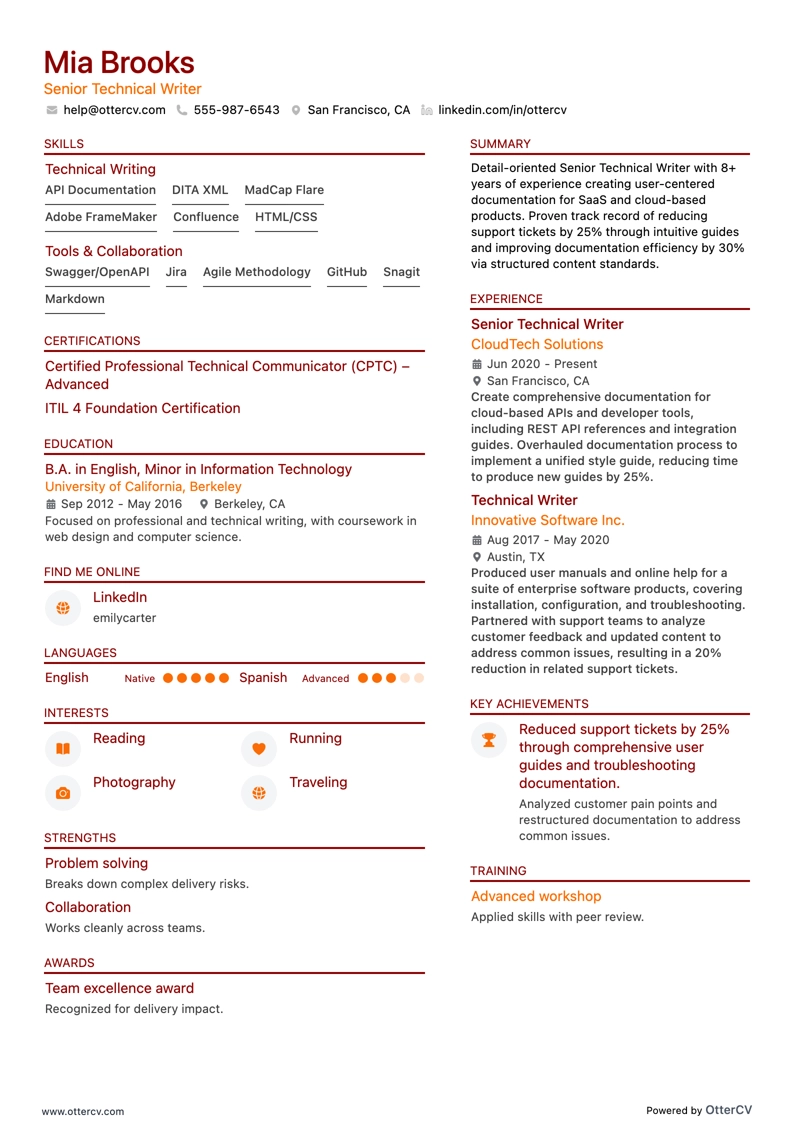
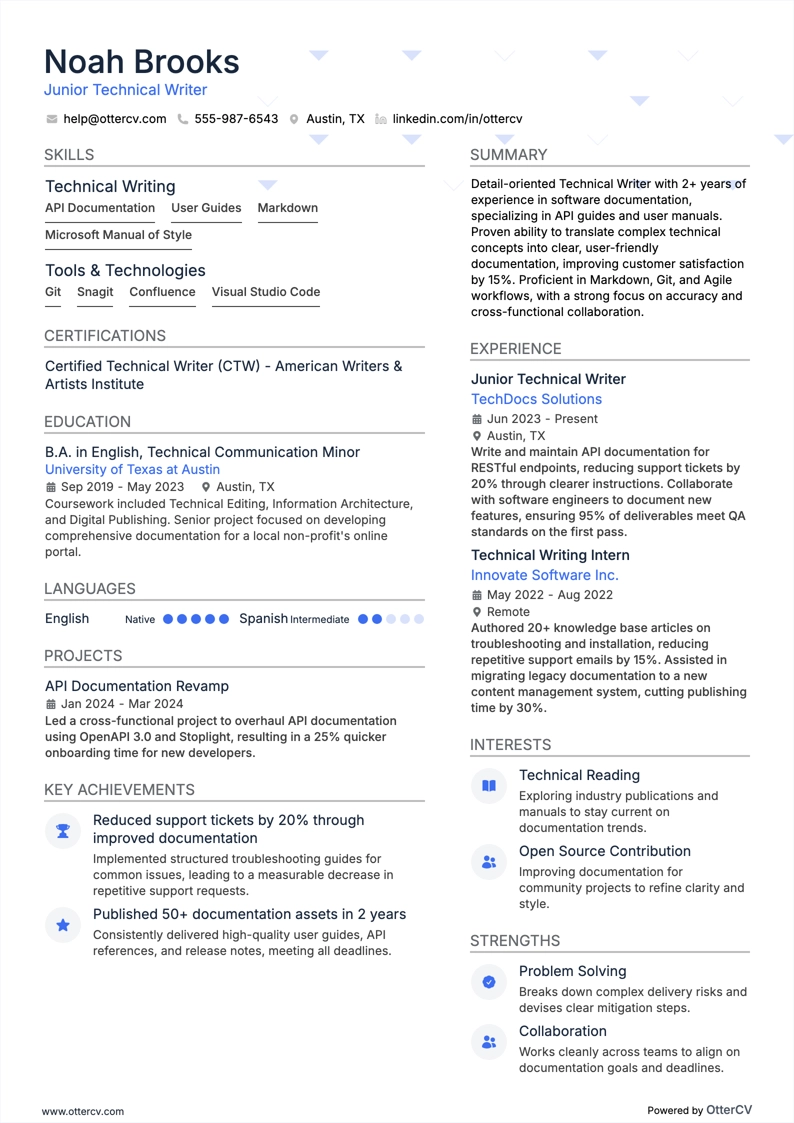
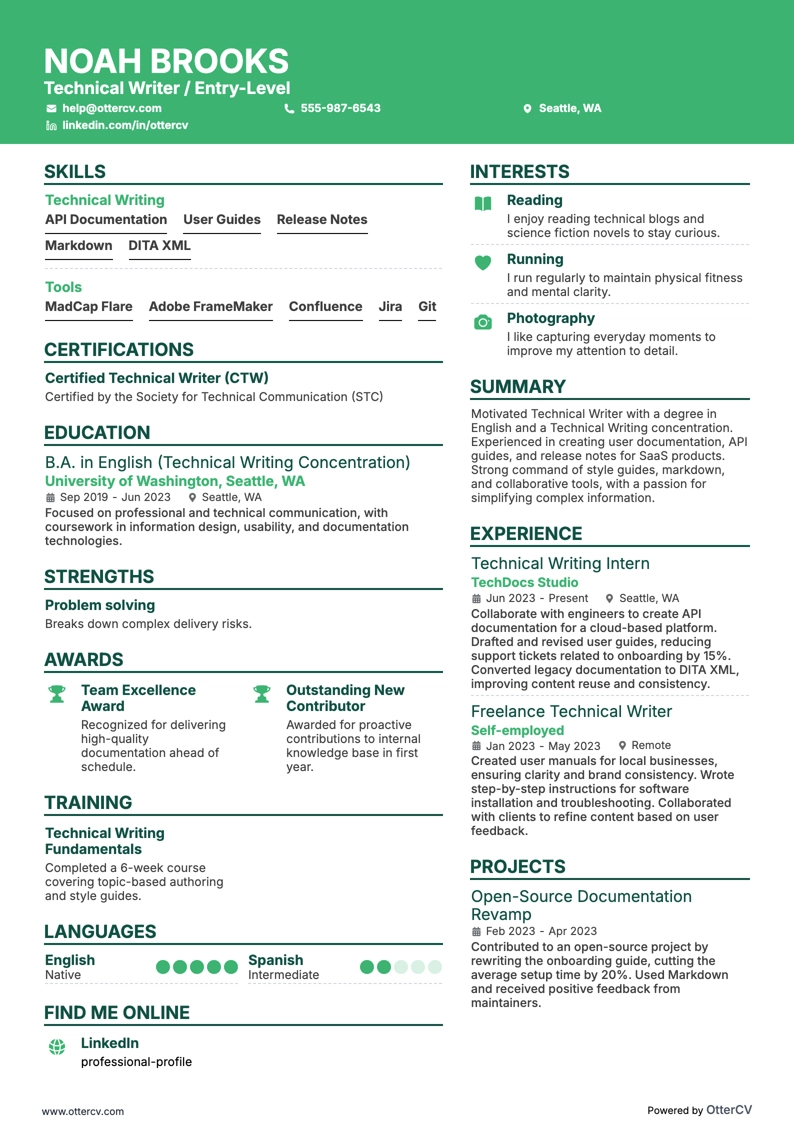
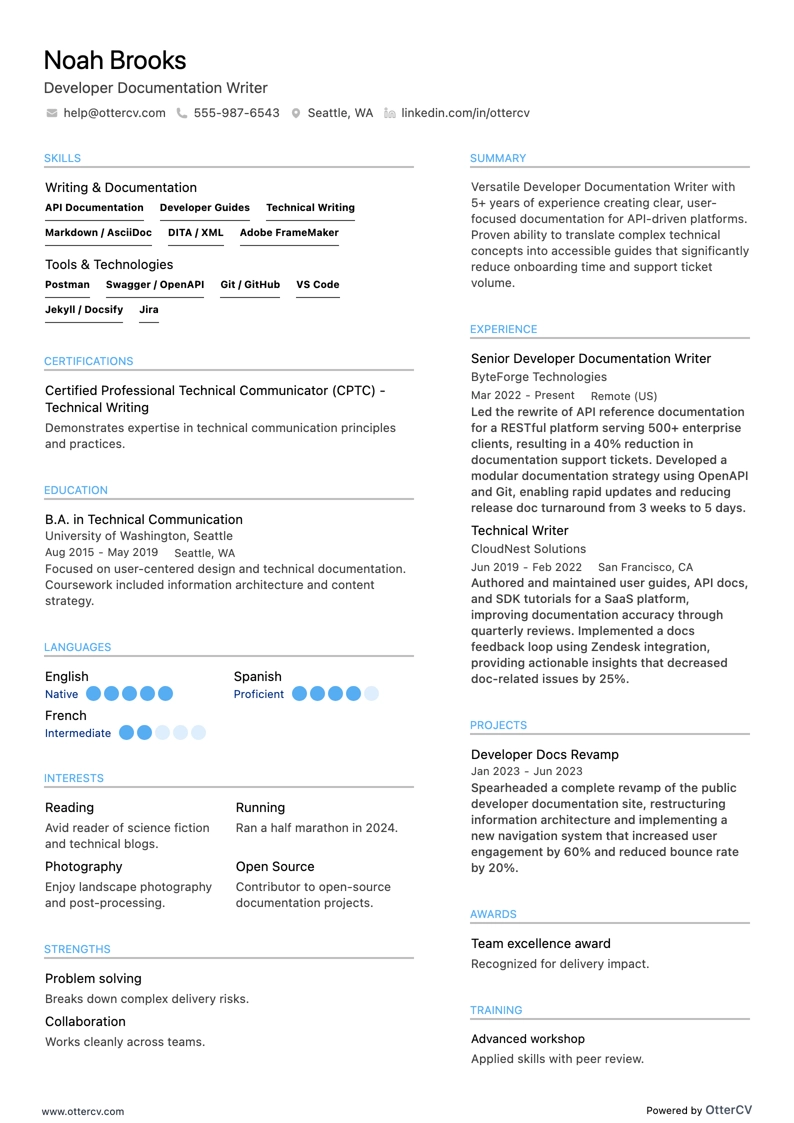
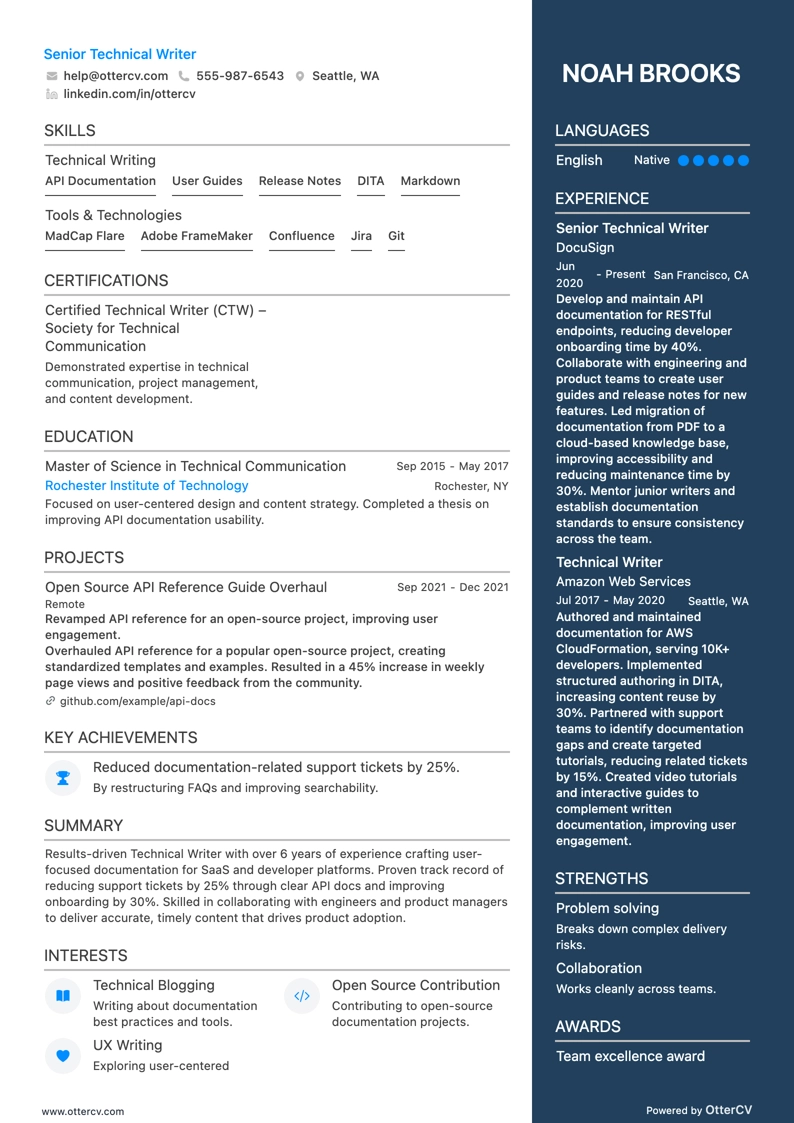
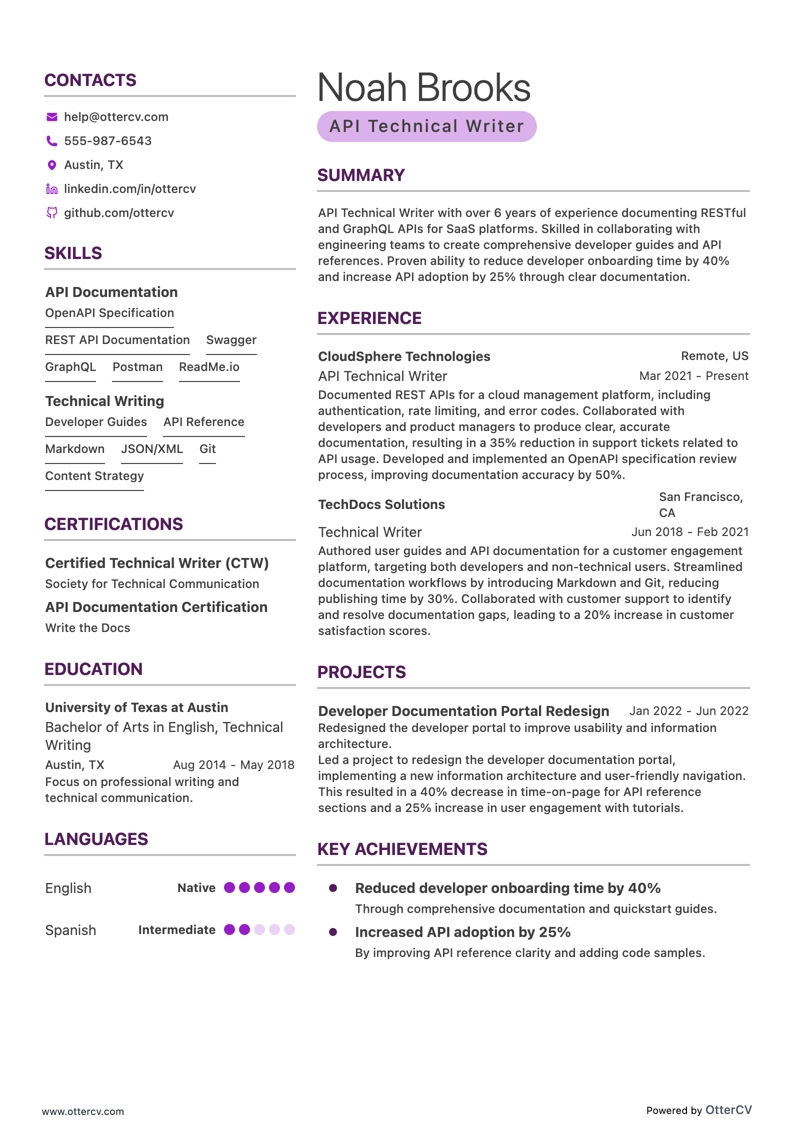
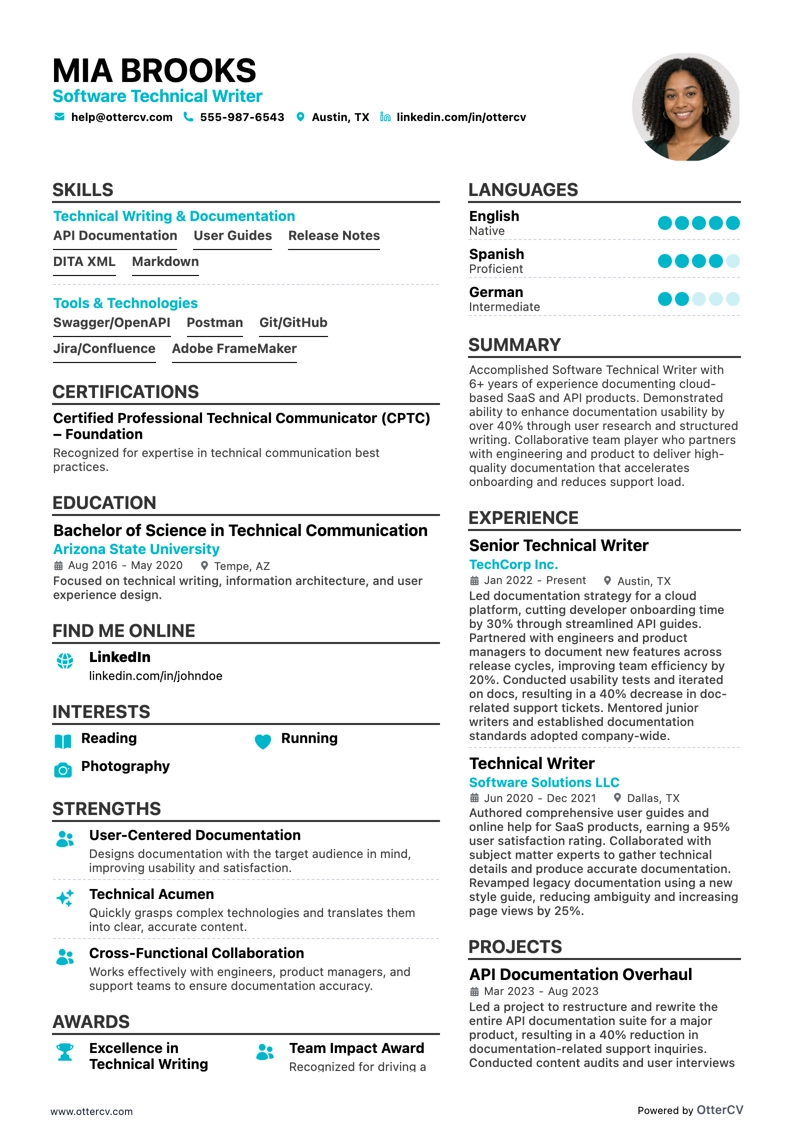
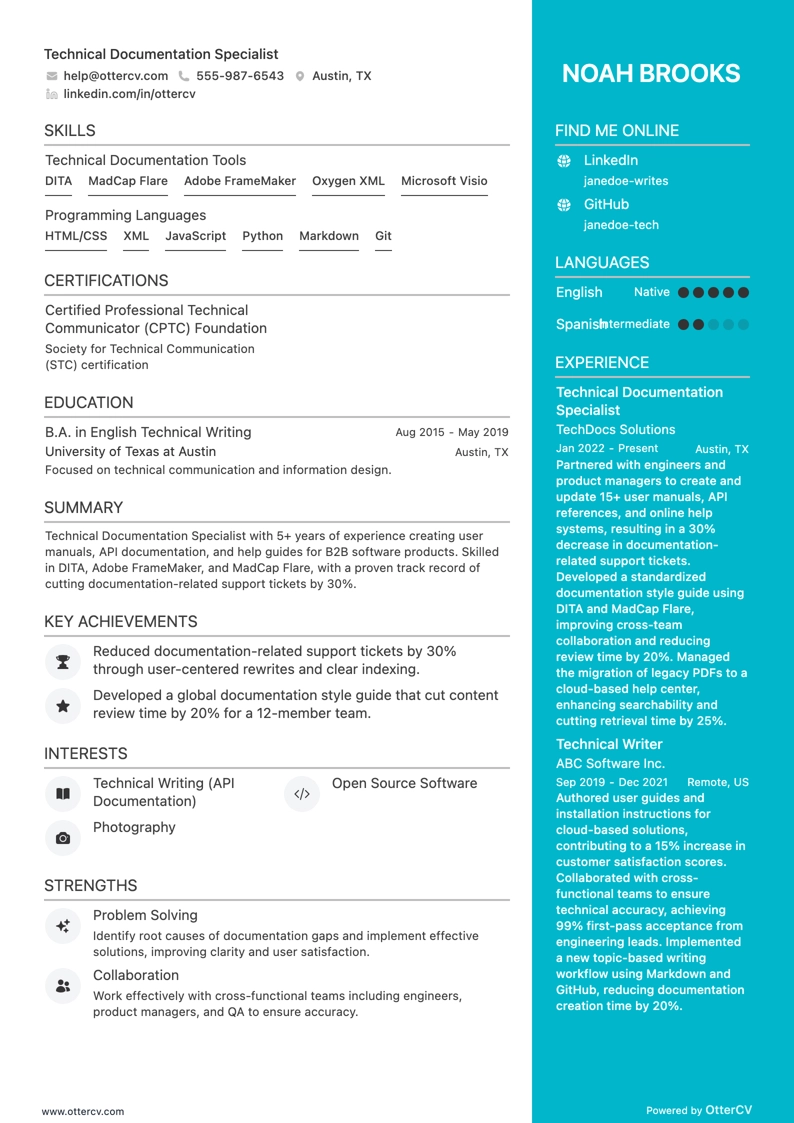
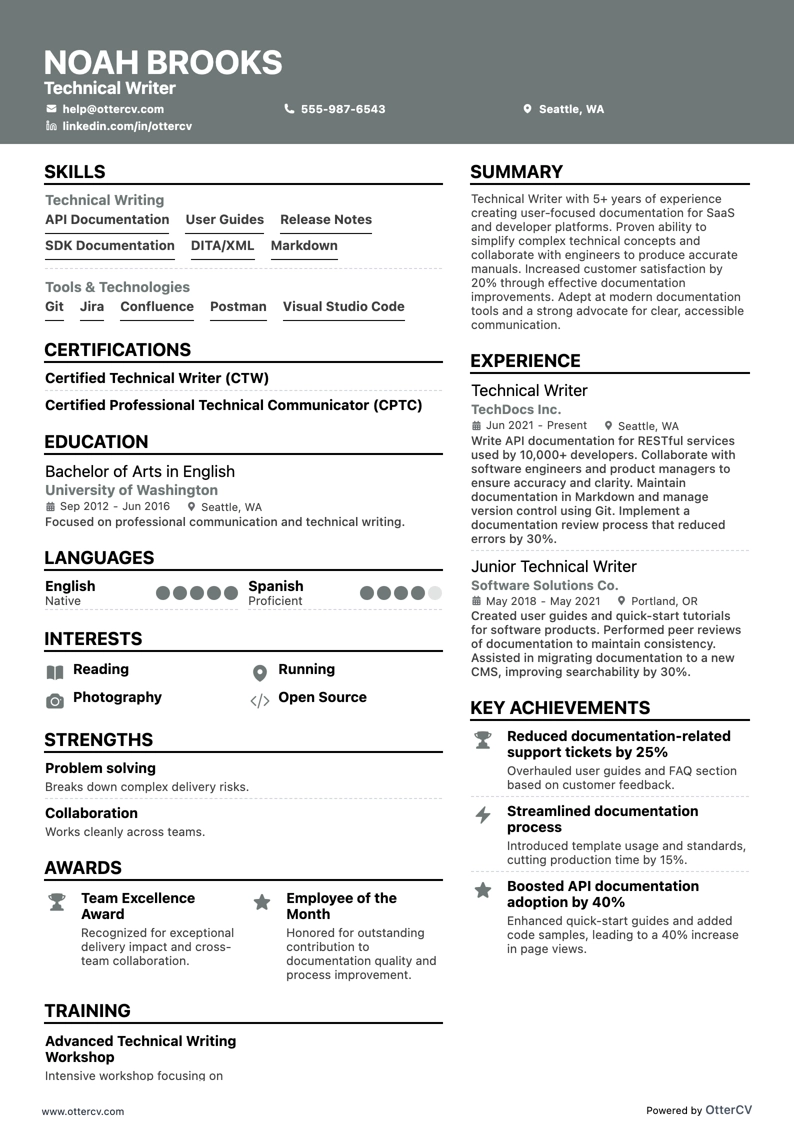
Just like in technical writing, the right format matters. It helps your resume reach the right audience and create the impression you want. Your resume should reflect your goals and qualifications clearly, so start by choosing a reverse chronological, functional, or hybrid format.
The reverse chronological layout presents your work history from most recent to oldest, while a functional resume emphasizes your skills and competencies. If you want to combine writing experience with relevant technical skills, a hybrid format can be especially effective.
Tips for a stellar tech writer resume
- Margins and layout: Use margins of at least 1 inch on all sides to keep your resume clean and uncluttered. A single- or double-column layout can organize your information well, and both are ATS (Applicant Tracking Systems) readable.
- Colors and fonts: Choose simple, professional fonts like Rubik, Lato, or Calibri in 10–12 pt. for readability. Use a subtle color scheme sparingly to keep the document professional while adding some personality.
- Length: Aim for a one-page resume, especially if you have less than 5 years of experience. If your background is more extensive, it may be appropriate to use two pages.
- Links: Adding a link to your LinkedIn profile can give employers a quick view of your abilities and achievements.
- Header and photo: Keep your header clear and concise. Avoid sensitive contact information, such as marital status, and generally leave out a photo unless the employer requests one.
- File format: Save your resume as a PDF to preserve formatting across devices and reduce compatibility issues with ATS.
Before you submit your resume, test it with our free ATS check tool to see whether it is optimized to pass through these systems successfully.
Your resume should also match the target market—Canadian applications, for example, may use a different layout.