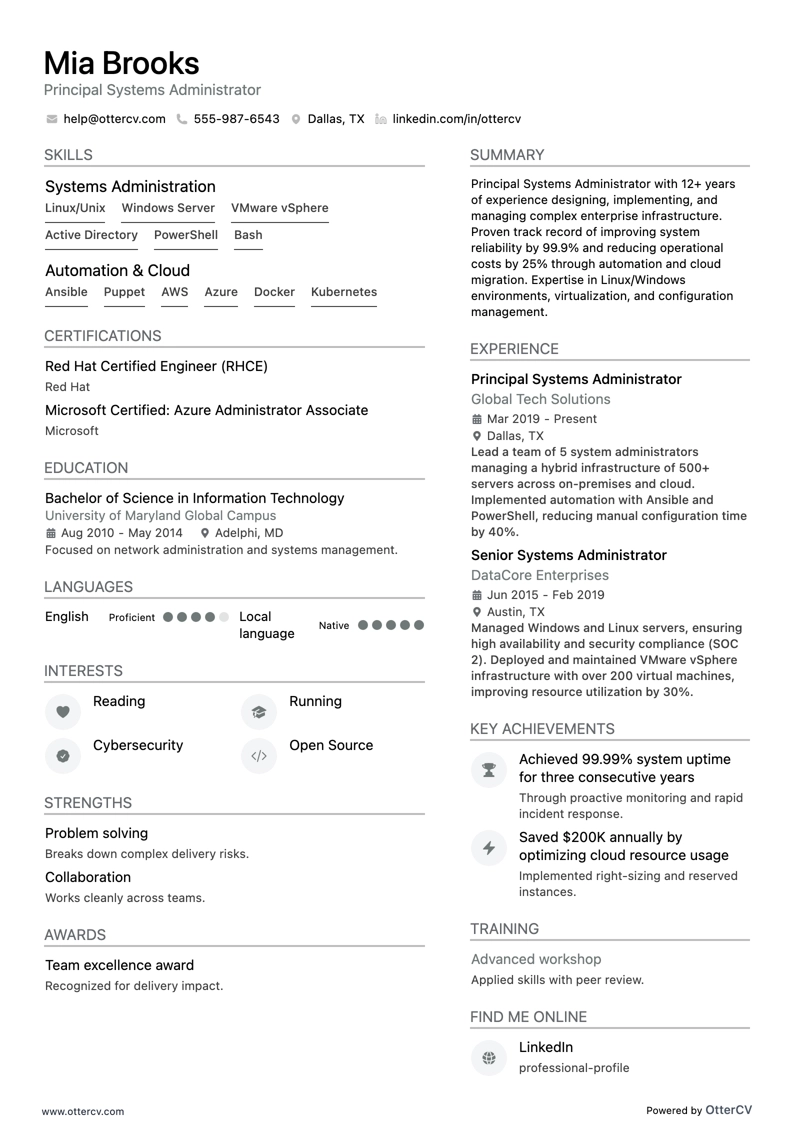
Principal Systems Administrator full preview

18 System Administrator Resume Examples

OtterCV

Written by The OtterCV Team

Updated: 1/10/2023•8 min read

See all resume examples in this guide, or generate your own resume example with your personalized prompt

Principal Systems Administrator resume example

Principal Systems Administrator

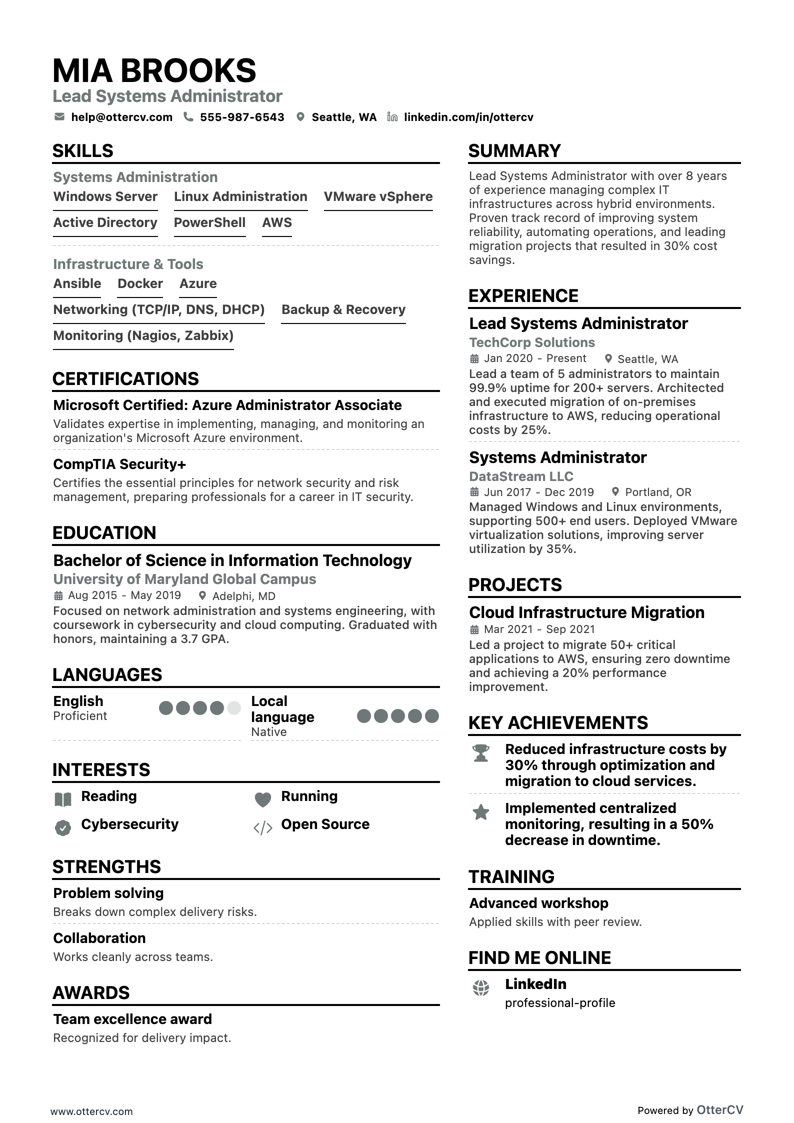
Lead Systems Administrator resume example

Lead Systems Administrator

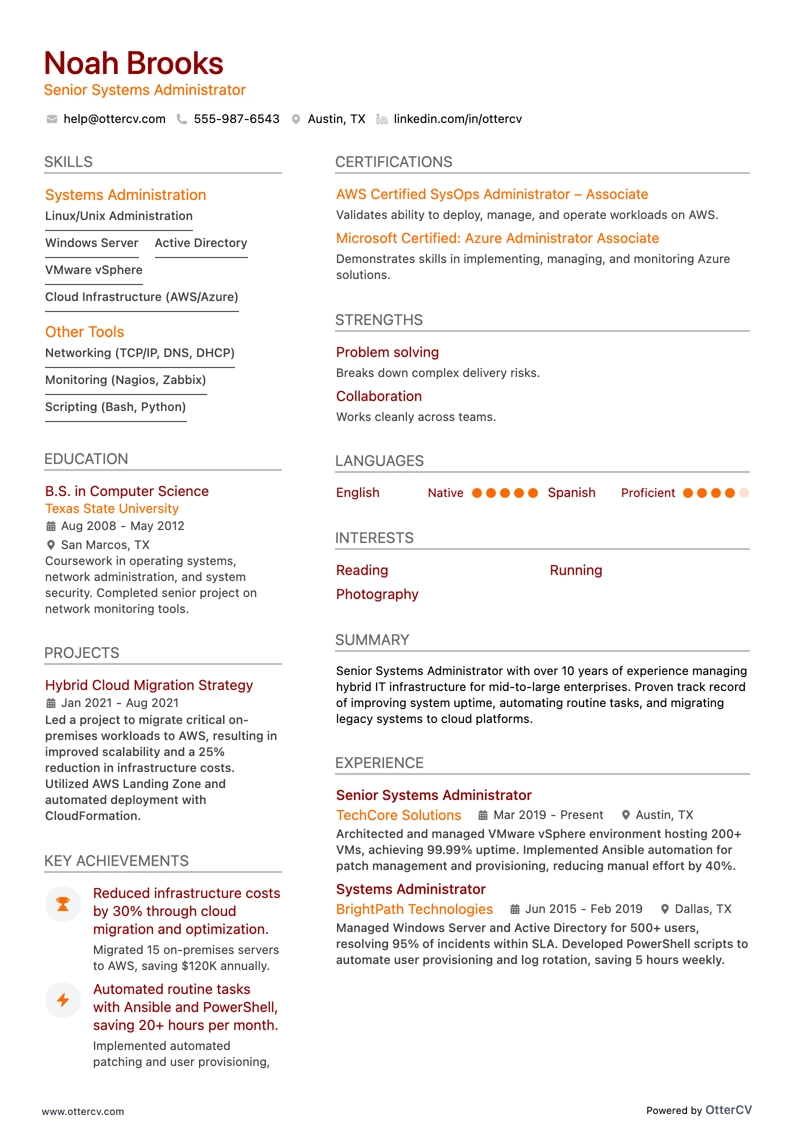
Senior Systems Administrator resume example

Senior Systems Administrator

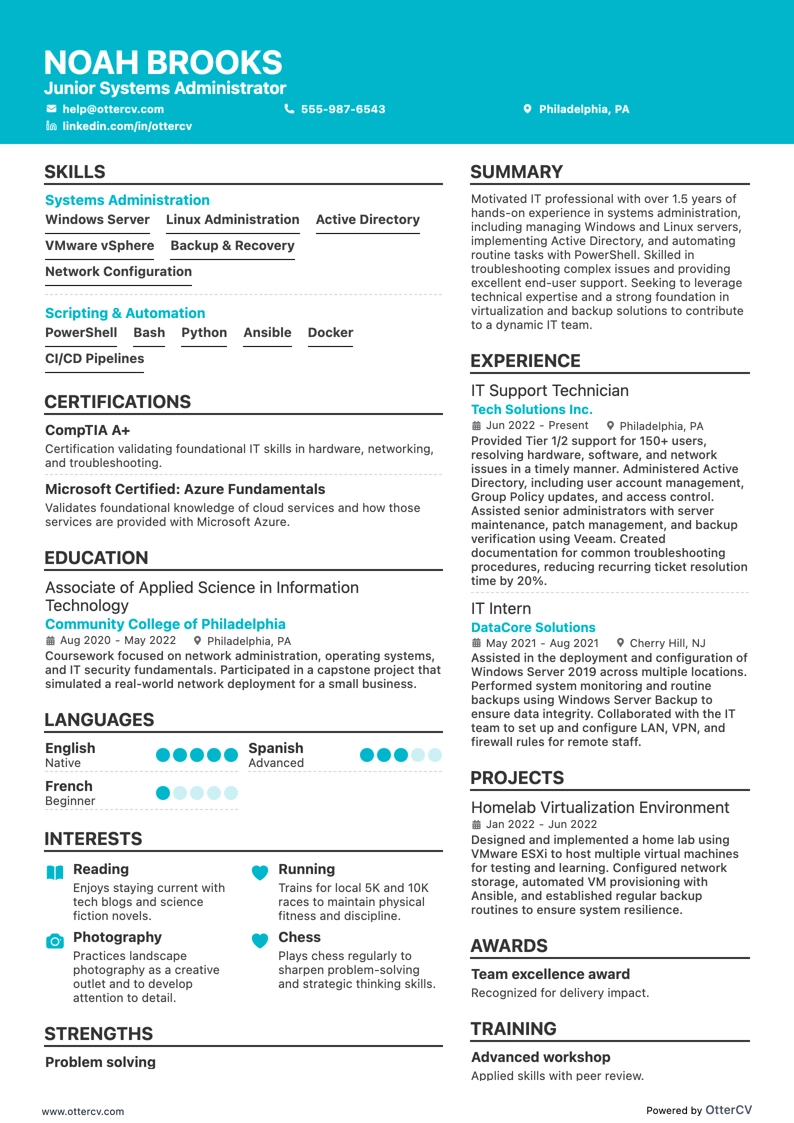
Junior Systems Administrator resume example

Junior Systems Administrator

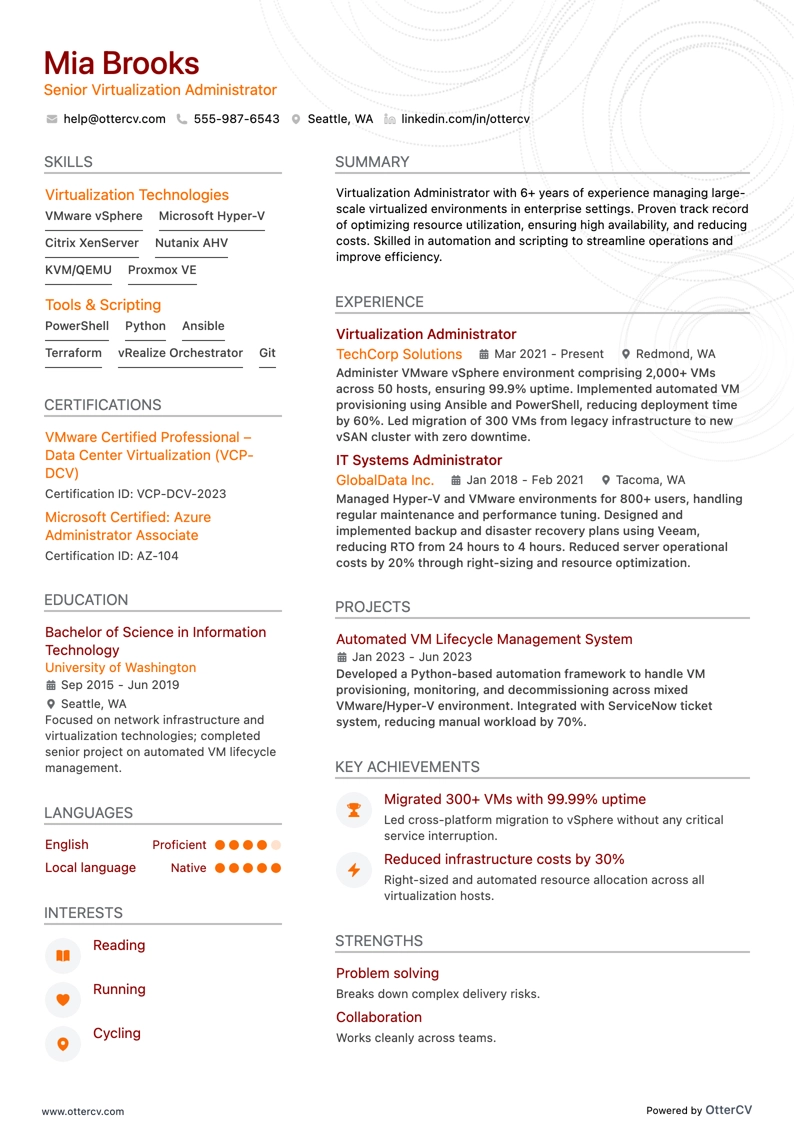
Virtualization Administrator resume example

Virtualization Administrator

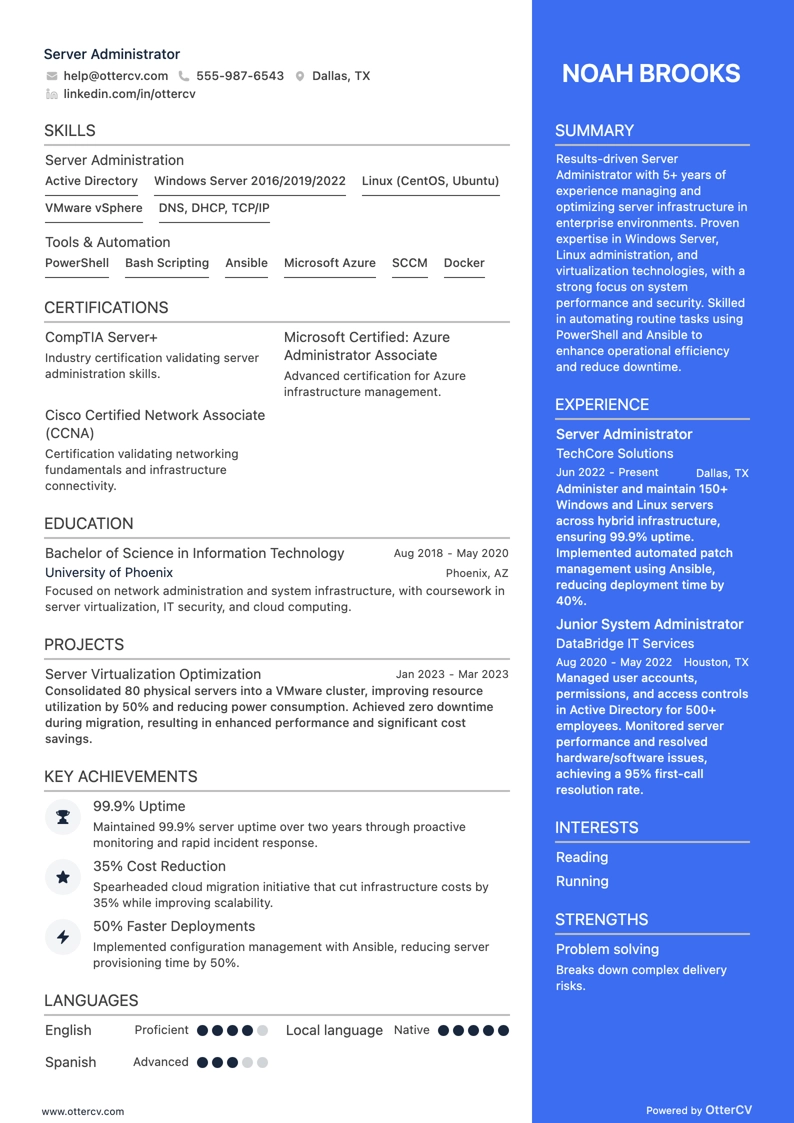
Server Administrator resume example

Server Administrator

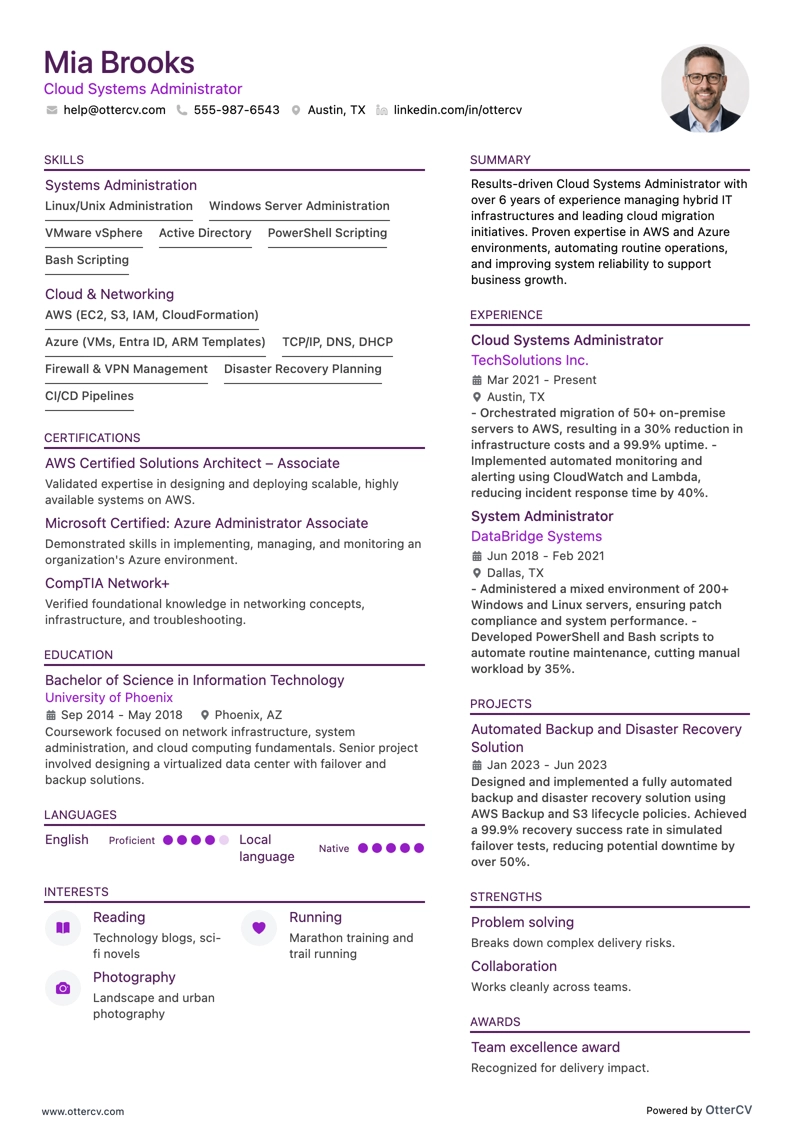
Cloud Systems Administrator resume example

Cloud Systems Administrator

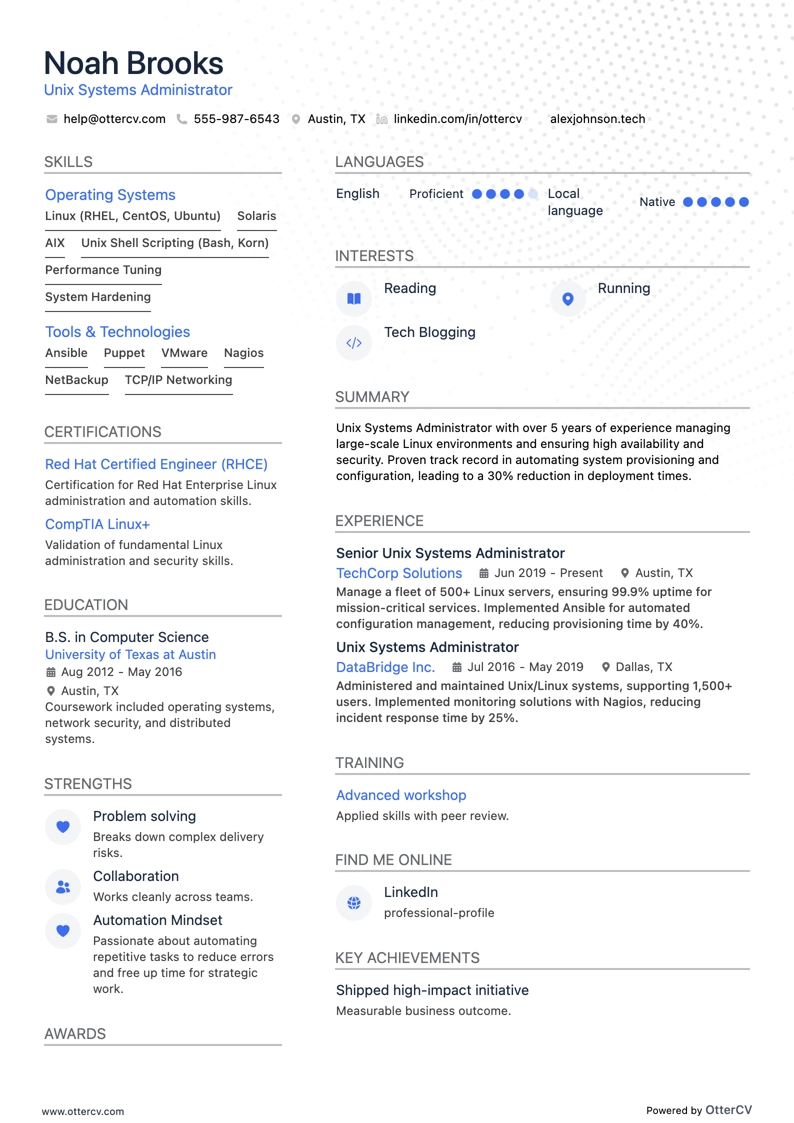
Unix Systems Administrator resume example

Unix Systems Administrator

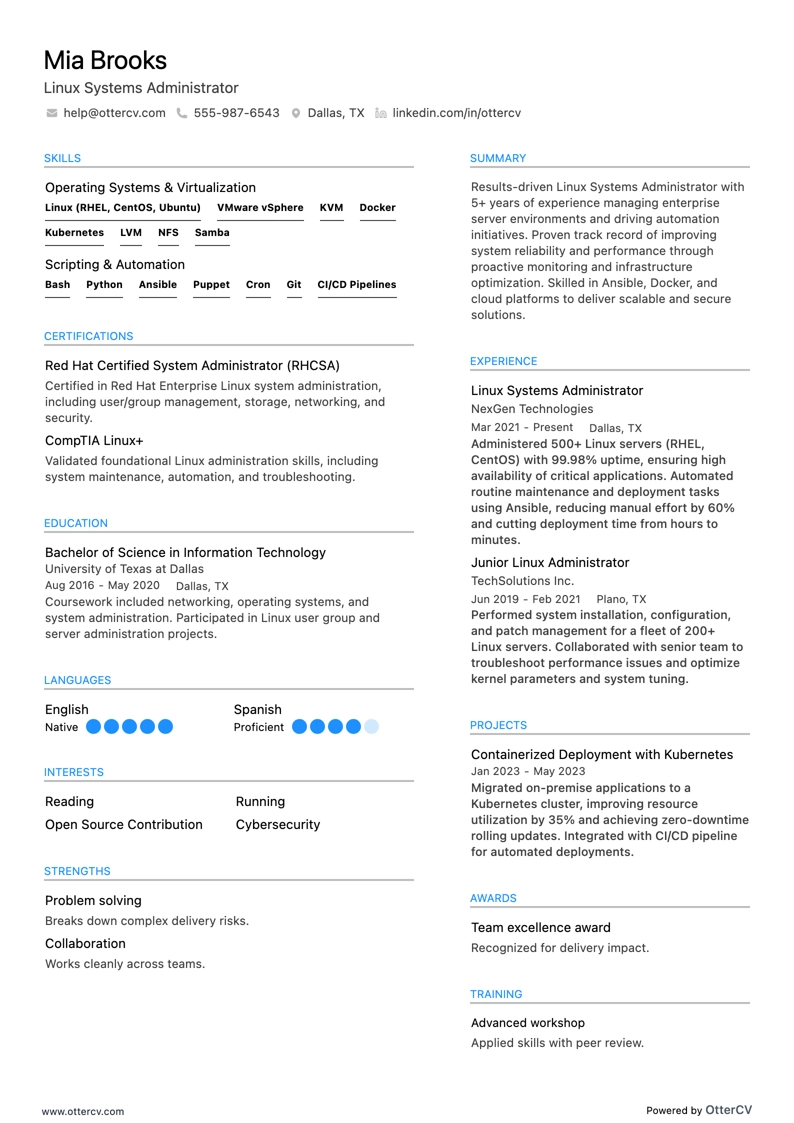
Linux Systems Administrator resume example

Linux Systems Administrator

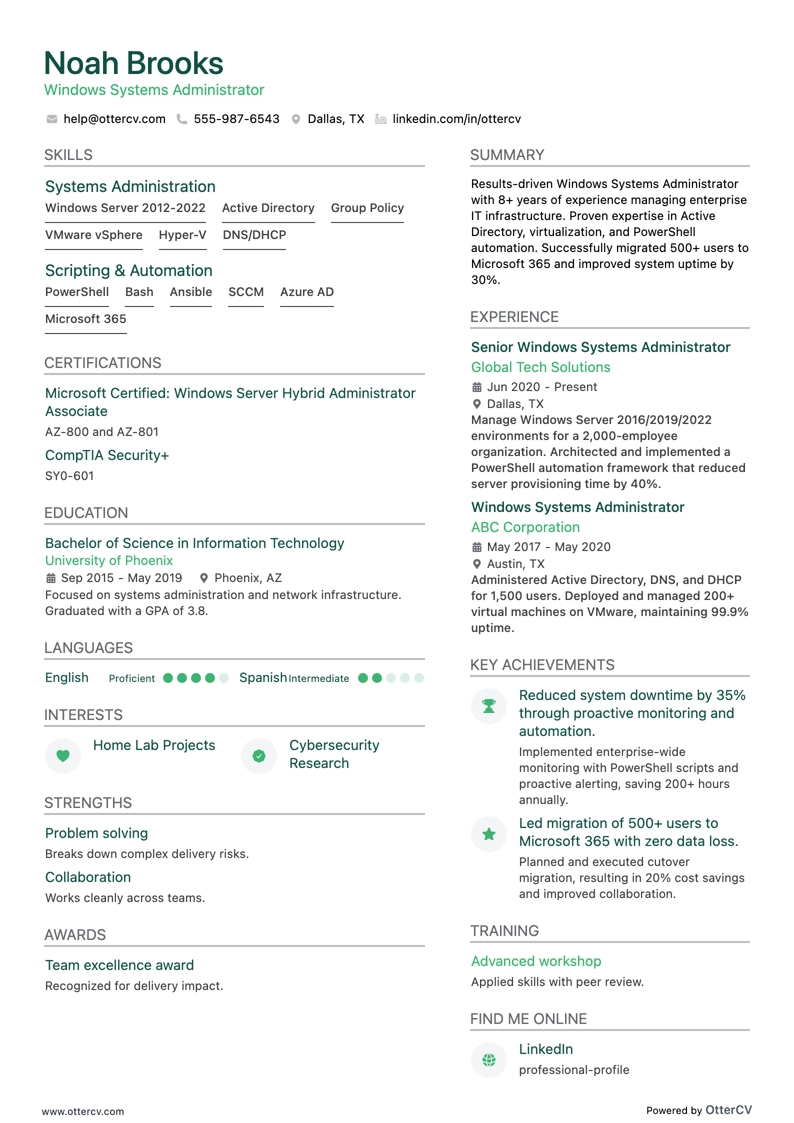
Windows Systems Administrator resume example

Windows Systems Administrator

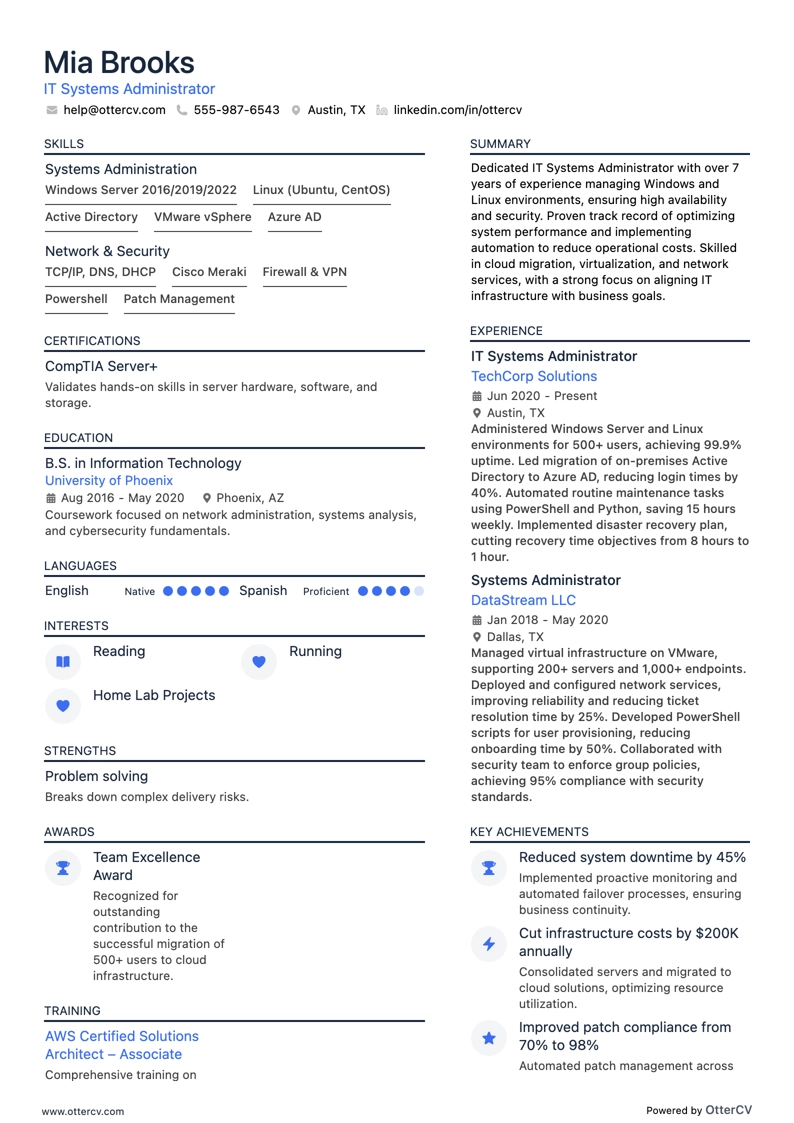
IT Systems Administrator resume example

IT Systems Administrator

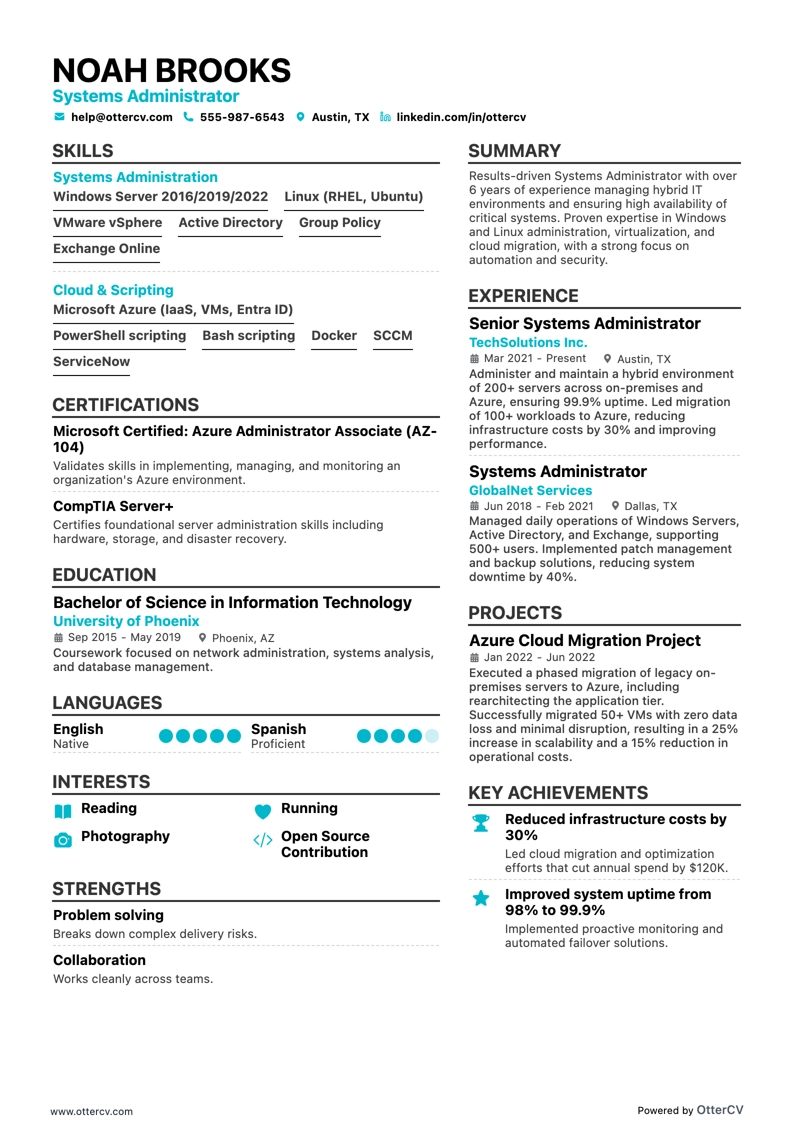
Systems Administrator resume example

Systems Administrator

As more companies shift from in-house IT teams to Managed Service Providers (MSPs), system administrators need to keep expanding their skills and adapting to new technologies. Today’s sysadmins handle a wide range of responsibilities, from server setup to cybersecurity.

Even with the move toward MSPs, skilled IT system administrators remain essential. Technology still breaks, and someone needs to fix it.

This guide will help you build a resume for your ideal system administrator role—one that works like a system log by showcasing your expertise, addressing potential gaps, and supporting your career growth.

Key takeaways

  • Align your resume with the job description so employers can quickly identify your qualifications and achievements.

  • Include notable projects to show hands-on experience and technical proficiency.

  • Use specific metrics to demonstrate your impact, such as improvements in system uptime or security.

  • Highlight both hard and soft skills relevant to system administration to present a well-rounded profile.

  • List relevant certifications, such as CompTIA A+ and Microsoft Certified: Azure Administrator, to show specialized expertise.

If you're short on time, here’s a quick system administrator resume sample to help you get started.

System administrator resume sample

Use this system admin resume example as inspiration for your next job application.

Jack Smith

Senior system administrator

smith@echocv.com @LinkedIn Quantico, VA

Summary

Experienced system administrator with over 5 years of experience managing and configuring web applications on Windows Servers and cloud platforms. Skilled in system maintenance, security remediation, and project management, with a focus on Microsoft Azure. Proven success supporting both commercial and custom-built applications in virtual environments while improving system performance and security.

Experience

System administrator

TechSolutions Inc., Quantico, VA

July 2018 — Present

  • Administered over 50 Windows Servers in a virtual environment, improving system uptime by 20%.
  • Managed, configured, deployed, and troubleshot more than 30 web applications on IIS and Apache web servers, increasing application availability by 15%.
  • Implemented and maintained Microsoft Azure Government cloud resources, including 100+ Virtual Machines, Virtual Networks, Application Gateways, and Firewalls, resulting in a 25% reduction in infrastructure costs.
  • Executed security patches and remediation on 200+ GOTS and COTS applications, achieving a 95% compliance rate in security audits.

Junior system administrator

CyberDynamics Corp., Quantico, VA

June 2015 — June 2018

  • Assisted in managing a 40-server infrastructure, focusing on system updates and troubleshooting, which contributed to a 10% improvement in system response times.
  • Supported the deployment of 20+ web applications, ensuring consistent performance and availability, leading to a 30% increase in user satisfaction.
  • Conducted security assessments and applied necessary patches, improving the overall security posture and reducing vulnerabilities by 40%.

Education

Bachelor of Science in Information Technology

Virginia Tech, Blacksburg, VA

Graduated 2015

Certifications

  • Microsoft Certified: Azure Administrator Associate
  • CompTIA Security+
  • ITIL Foundation Certification

Skills

  • Windows Server Administration
  • IIS and Apache Web Server Management
  • Microsoft Azure Government Cloud
  • Network Security and Vulnerability Management
  • Virtualization and Virtual Environments
  • Project Management and Coordination

Languages

  • English (Fluent)
  • French (Fluent)

How to format a system administrator resume

If you are starting your resume from scratch, begin with the basics and choose the right resume format first.

Start the writing process by picking the structure that fits best. For a system administrator resume, the reverse chronological format is usually the best choice. It highlights your experience well, especially if you have certifications and skills in in-demand tech areas. It is also the format most easily read by both ATS (Applicant Tracking Systems) and recruiters.

Also consider local standards. Canadian resumes, for example, may follow a different format.

The reverse chronological format presents information in a familiar, logical order, making it easy for ATS to scan and helping recruiters quickly find relevant details.

Both automated systems and recruiters expect a clear flow in resume sections. A typical order is:

  1. Contact Information
  2. Summary or Objective
  3. Work History or Projects
  4. Education and Certifications
  5. Skills or Technologies

Resume design tips for sysadmins

Contact information

File format

If you already have a resume, you can check how it may be parsed by an ATS with our free AI-powered resume checker.

Next, let’s focus on one of the most important sections of a sysadmin resume: work experience.

How to write your system administrator resume experience

When building your resume’s experience section, highlight your technical skills, key achievements, and the impact you made in each role. Include:

  • Job title and company name
  • Dates and location
  • Bullet points covering core sysadmin responsibilities and achievements
  • Specific tools and technologies you used

That covers the basics. If you want to improve your chances of getting noticed, create a targeted resume.

How to tailor your resume to a system administrator job description

A targeted resume is tailored specifically to the job you’re applying for, with emphasis on the skills and experience that match the job description. To create one, read the posting carefully, identify the key qualifications, and align your resume so your work history clearly reflects those requirements. This makes it easier for recruiters to see that you’re a strong fit for the role.

Here’s a demo. Check out this real-world job posting for a system administrator role.

IT system administrator

IT system administrator

Figma is growing its team of passionate people on a mission to make design accessible to all. As a member of the IT Engineering team, you will work closely with the broader IT and Security departments to develop, manage, optimize, and secure Figma's internal IT services.

Responsibilities:

  • Configure and customize Okta to meet Figma's authentication and authorization needs.
  • Design, develop, and maintain integrations using Okta Workflows or custom code to automate repetitive manual tasks.
  • Support the management and maintenance of macOS endpoint infrastructure to ensure strong performance and security.
  • Develop and implement endpoint security policies and procedures to protect company data and systems.
  • Deploy and configure systems through code using tools such as Git, Terraform, YAML, or similar technologies.
  • Collaborate with cross-functional teams to ensure macOS endpoints align with company policies and standards.
  • Create and maintain documentation for supported applications, processes, and training materials for internal employees and IT staff.
  • Stay current on the SaaS platforms within the IT Engineering umbrella so Figma follows best practices and keeps up with platform enhancements.

Requirements:

  • 3+ years of experience managing Okta Identity Engine and Okta WorkFlows
  • 3+ years of experience in macOS endpoint management
  • In-depth knowledge of identity and access management concepts and practices
  • Experience with macOS security features and tools
  • Strong problem-solving and troubleshooting skills
  • Excellent communication and interpersonal skills
  • Ability to work in a fast-paced environment and manage multiple priorities
  • Ability to work independently and as part of a team

Preferred qualifications:

  • Experience with Jamf
  • Experience with GitOps, configuration as code, or Terraform
  • Knowledge of device trust and zero trust security models
  • Proficiency in bash and python scripting

Here is an example of how a streamlined experience entry can look when tailored to the position above.

Experience

IT Systems Engineer

CreativeTech Solutions

03/2020 - 12/2022 | San Francisco, CA

  • Configured and customized Okta for authentication, reducing access issues by 30%.
  • Developed integrations using Okta Workflows and custom code, automating 50% of manual tasks.
  • Managed macOS endpoint infrastructure and implemented endpoint security policies, enhancing security by 25%.
  • Deployed systems as code using Git and YAML, streamlining deployment processes.
  • Created documentation and training materials to improve internal processes and staff onboarding.
RIGHT

This experience section clearly highlights key responsibilities and achievements in a concise, effective way. It uses specific metrics, such as reducing access issues by 30%, to demonstrate real impact. It also makes strong use of action verbs at the start of each bullet point, which helps convey initiative and proactiveness.

If you want to create a similar effect, include concrete examples of your accomplishments at work. The next section of this guide explains how to do that.

How to quantify your experience on a resume

Including numbers and results on your resume is important because it provides clear proof of your contributions. Use specific metrics such as percentages, savings, or time reductions to make your impact easy to understand.

Here’s what you can focus on:

Section 14

  • Include the percentage reduction in system downtime achieved through proactive monitoring and maintenance.
  • Specify the cost savings delivered by optimizing server utilization or consolidating services.
  • Detail the percentage improvement in security compliance after implementing security protocols and patches.
  • Mention the reduction in IT issue response time, measured in percentage or hours, after implementing automated solutions.
  • Quantify the increase in system performance or speed resulting from upgrades or configuration changes you managed.

You can highlight your impact even without extensive experience. Find useful tips for creating a junior system administrator resume in the next section.

How do I write a system administrator resume with no experience

The State of Sysadmin 2024 report shows that most system administrators have more than 10 years of experience, and they are staying in the field. That level of experience is linked to higher salaries and greater job stability, with more than 90% of sysadmins saying they want to remain in the profession.

Junior system administrators can work toward this level of experience and career stability. If you have limited work experience, strengthen your resume by highlighting practical skills and academic achievements. To build an effective entry-level IT resume, focus on the following:

  • Use a functional resume template to emphasize transferable skills and role-related knowledge.
  • Include relevant certifications such as CompTIA A+, Network+, or Microsoft Certified: Windows Server Fundamentals.
  • List specific technical skills, including Linux, Windows Server, networking basics, and virtualization tools such as VMware or Hyper-V.
  • Mention hands-on projects, labs, or internships where you applied your skills, even if they came from coursework or personal projects.
  • Describe situations where you solved technical problems to show your troubleshooting and issue-resolution abilities.
  • Highlight soft skills such as communication, teamwork, and time management, which are important for collaborating with colleagues and handling multiple responsibilities.
  • End with a strong objective statement, which can be especially helpful for less-experienced job seekers.

Write a strong objective statement

Your resume objective can help persuade hiring managers. To make it effective, understand what the target company wants and show how you can meet those expectations. A good objective statement should:

  • Reflect the company’s goals and values.
  • Highlight your most relevant skills and experience.
  • Name the position you are applying for and what you offer.
  • Stay concise at one to three sentences.
  • Show how your career goals align with the company’s mission and the role.

Below is an example from a resume of an aspiring system administrator:

Objective

Recent graduate with a Bachelor’s degree and 4 months of hands-on experience as a student worker in IT support, seeking an IT Support Specialist position at Texas A&M University. Offers strong customer service, effective communication, and the ability to troubleshoot technical issues remotely. Eager to apply experience documenting issues and resolutions to improve the support experience for the university's community.

RIGHT

Next, learn how to stand out from the competition by including the right skills for the job you’re applying for.

How to list system administrator skills on a resume

Adding the right skills to your sysadmin resume is essential for highlighting your qualifications and expertise.

Start with hard skills—the technical knowledge and abilities tied directly to system administrator responsibilities, such as network configuration and cybersecurity protocols. Leading with these skills helps establish a strong foundation for your candidacy.

You can place technical skills in a dedicated skills section or include them within your experience section, where you can support them with specific examples of how you applied them.

Here are some of the key tools and techniques to highlight on your resume:

Best hard skills for your system administrator resume

  • Windows Server.
  • Linux (Ubuntu, CentOS, Red Hat).
  • VMware vSphere.
  • Hyper-V.
  • Microsoft Active Directory.
  • Azure Active Directory.
  • Amazon Web Services (AWS).
  • Microsoft Azure.
  • Office 365.
  • PowerShell.
  • Bash scripting.
  • Docker.
  • Kubernetes.
  • Jenkins.
  • Ansible.
  • Nagios.
  • Splunk.
  • MySQL.
  • PostgreSQL.
  • Git.

The same applies to soft skills. They are usually most effective when woven into other resume sections, such as your experience or projects, with specific examples that show how you have applied them in real-world situations.

Best soft skills for your system administrator resume

  • Problem-solving helps resolve technical issues efficiently.
  • Communication supports clear updates and effective collaboration.
  • Time management helps balance tasks and deadlines.
  • Adaptability is valuable in changing technical environments.
  • Teamwork strengthens coordination across teams.
  • Attention to detail helps prevent errors and maintain system accuracy.
  • Critical thinking supports sound technical decisions.
  • Multitasking helps manage multiple priorities at once.
  • Customer service orientation improves support for end users.
  • Analytical skills help assess issues and identify solutions.
  • Organizational skills support efficient workflows and documentation.
  • Stress management helps maintain performance under pressure.
  • Conflict resolution supports productive working relationships.
  • Documentation skills help keep records clear and useful.
  • Initiative shows a proactive approach to system support.
  • Technical support skills strengthen day-to-day troubleshooting.
  • Patience is important when resolving user and system issues.
  • Reliability shows consistency and dependability.
  • Negotiation skills can help when balancing needs and priorities.
  • Active listening helps you understand problems accurately.

With your skills section complete, it’s time to focus on the education section of your system administrator resume.

How to list your education and certifications on a resume

Your training can significantly affect your career prospects in system administration. To understand complex IT systems and networks, you’ll typically need at least a bachelor’s degree in Information Technology, Computer Science, or a related field.

That’s why it’s important to get your resume’s education section right. Be sure to include:

  • The degree and major (for example, B.S. in Information Technology)
  • The name of the university
  • The year of graduation or expected graduation date
  • Relevant courses related to system administration, such as Network Security or Database Management
  • Any honors, awards, or distinctions received

Here’s an example specifically tailored to the job description provided earlier.

Education

Bachelor of Science in Information Technology
University of California, Berkeley
2015 - 2019

Relevant coursework: Network Security, Systems Architecture, macOS Administration, Scripting with Python and Bash, Identity and Access Management

RIGHT

While a degree can improve your job prospects, it is not always a strict requirement, especially at organizations that value hands-on experience and practical skills. Some system administrators enter the field through alternative paths such as self-study, on-the-job training, or technical certifications.

When listing certifications, follow these guidelines:

  • Clearly state the name of the certification, such as CompTIA A+.
  • Include the name of the certifying body or organization.
  • Mention the date you earned the certification and, if applicable, its expiration date.

Best certifications for your system administrator resume

With your certifications in place, the next step is to bring everything together in a strong summary that highlights your key skills and qualifications as a system administrator.

How to write your system administrator resume summary

Writing the summary section of your resume is a lot like configuring a critical system: it takes precision and clarity. It can also be the hardest part to write because it creates your first impression. To make it easier, follow these guidelines:

  • Start with your professional title and your years of experience in system administration.
  • Highlight core skills that are relevant to the job.
  • Include a few quantifiable achievements.
  • Mention your familiarity with essential technologies such as Windows Server, Linux, or VMware.
  • Keep it brief at 3-5 impactful sentences, use strong descriptors to present your achievements, and avoid the first-person perspective.

Here’s an example summary tailored to the system administrator role discussed earlier.

Summary

Dedicated IT professional with over 3 years of experience in system administration and endpoint management. Successfully configured and customized Okta to reduce authentication issues by 30%, while managing macOS endpoints to improve security compliance by 20%. Proficient in deploying systems with Git, Terraform, and YAML, resulting in a 25% increase in deployment efficiency. Brings strong problem-solving skills and a proactive approach to optimizing IT infrastructure, and is eager to contribute to Figma's dynamic environment by helping secure and optimize internal IT services.

RIGHT

The summary uses clear, measurable achievements, such as reducing authentication issues by 30%, to demonstrate real impact. It also highlights key skills and experience in a way that makes it easier for hiring managers to match your background with job description keywords.

With Echocv's resume builder, you can easily add more sections to your resume when they support your job search. Below are several useful options.

Additional sections for a system administrator resume

Extra sections can strengthen a system administrator resume by showing a broader range of skills and accomplishments. Consider including:

In conclusion

Keep your resume easy to navigate and accessible by structuring each section carefully, much like building a secure and efficient network. Organize your resume to match the role you want, using a format that clearly emphasizes your value and fit.

System Administrator resume examples

Explore additional System Administrator resume samples and guides and see what works for your level of experience or role.

By Experience

Principal Systems Administrator

Principal Systems Administrator resume preview

Lead Systems Administrator

Lead Systems Administrator resume preview

Senior Systems Administrator

Senior Systems Administrator resume preview

Junior Systems Administrator

Junior Systems Administrator resume preview

System Administrator resume examples

Explore additional System Administrator resume samples and guides and see what works for your level of experience or role.

By Role

Virtualization Administrator

Virtualization Administrator resume preview

Server Administrator

Server Administrator resume preview

Cloud Systems Administrator

Cloud Systems Administrator resume preview

Unix Systems Administrator

Unix Systems Administrator resume preview

Linux Systems Administrator

Linux Systems Administrator resume preview

Windows Systems Administrator

Windows Systems Administrator resume preview

IT Systems Administrator

IT Systems Administrator resume preview

Systems Administrator

Systems Administrator resume preview