As a research assistant, fitting the full scope of your technical skills and academic research experience onto a single-page resume can be difficult. This guide provides practical strategies and examples to help you summarize your expertise and achievements clearly so your resume stands out to employers.
Here’s what you’ll learn from the quickest and most effective resume-writing strategies:
- Sample industry-leading resumes for inspiration and research assistant resume-writing know-how.
- How to focus recruiters’ attention on what matters most: your experience, achievements, and skills.
- How to write each resume section so you meet at least 95% of job requirements.
- How to balance technical expertise with personality to stand out from other candidates.
If a research assistant resume is not the right fit for you, explore these related guides:
- Radiologic Technologist Resume Example
- Lab Technician Resume Example
- Research Manager Resume Example
- Researcher Resume Example
- Research Director Resume Example
- Chemist Resume Example
- Lab Manager Resume Example
- Research Associate Resume Example
- Scientist Resume Example
The importance of format and layout in your research assistant resume
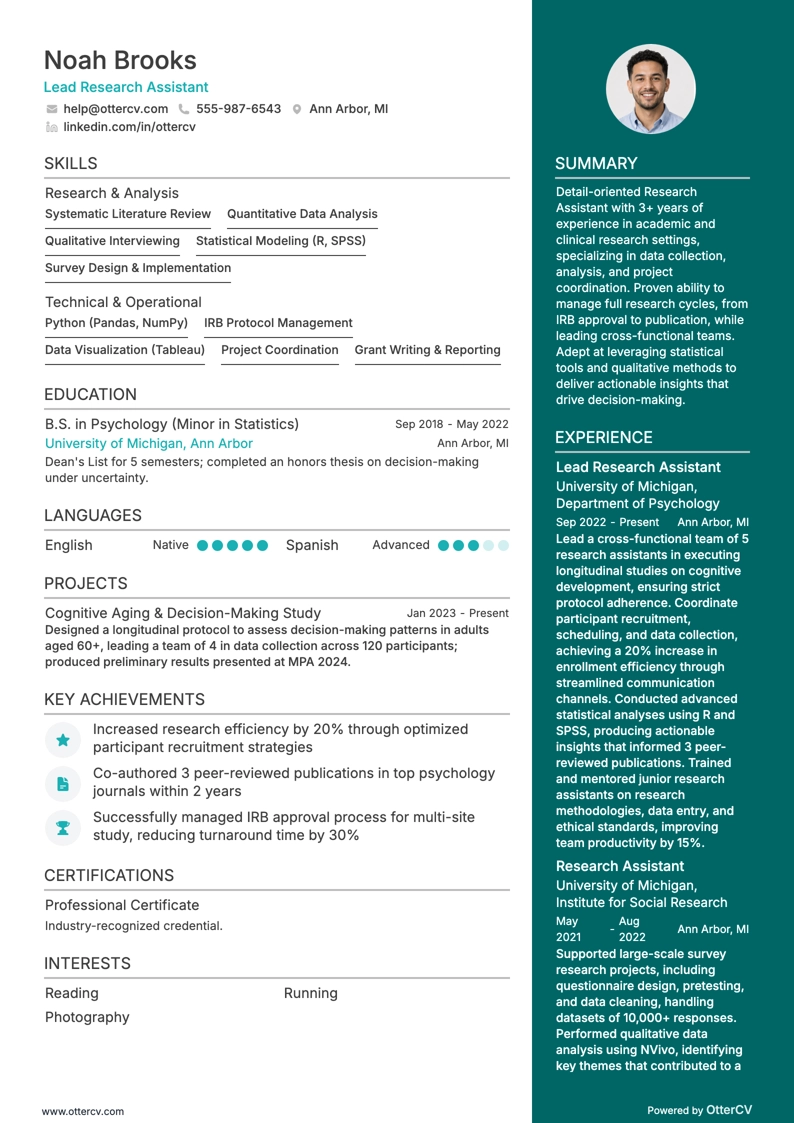
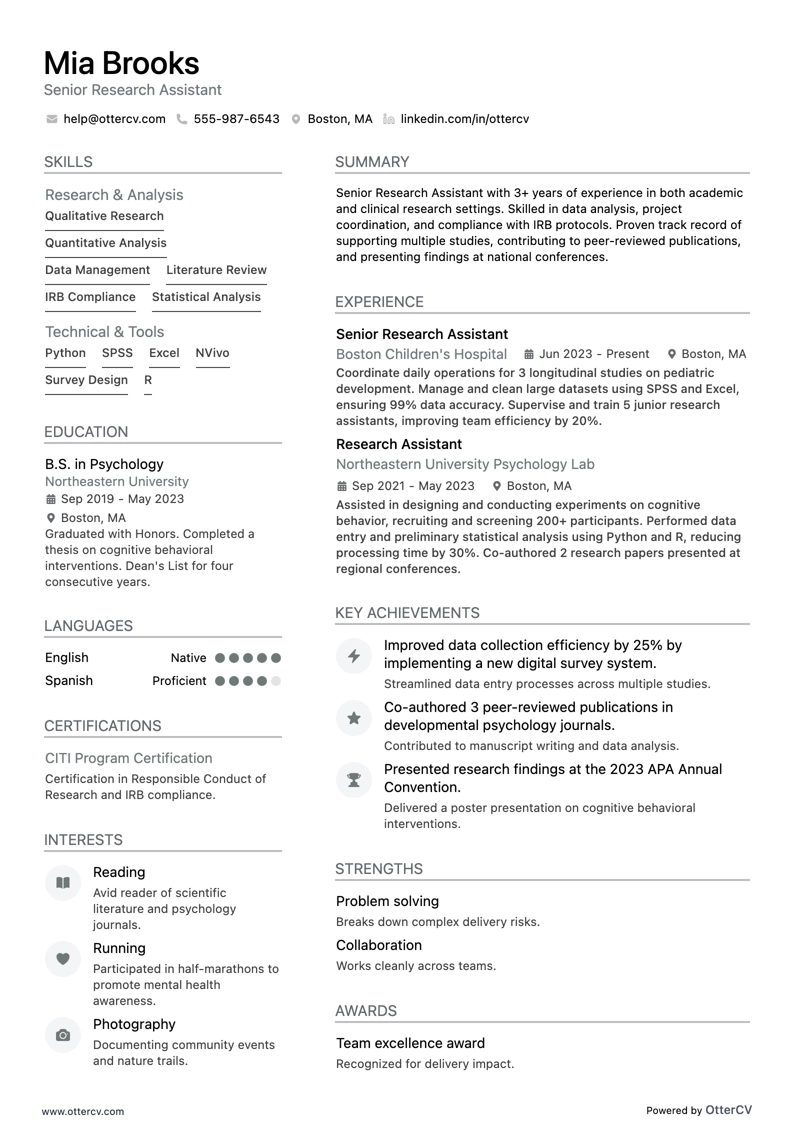
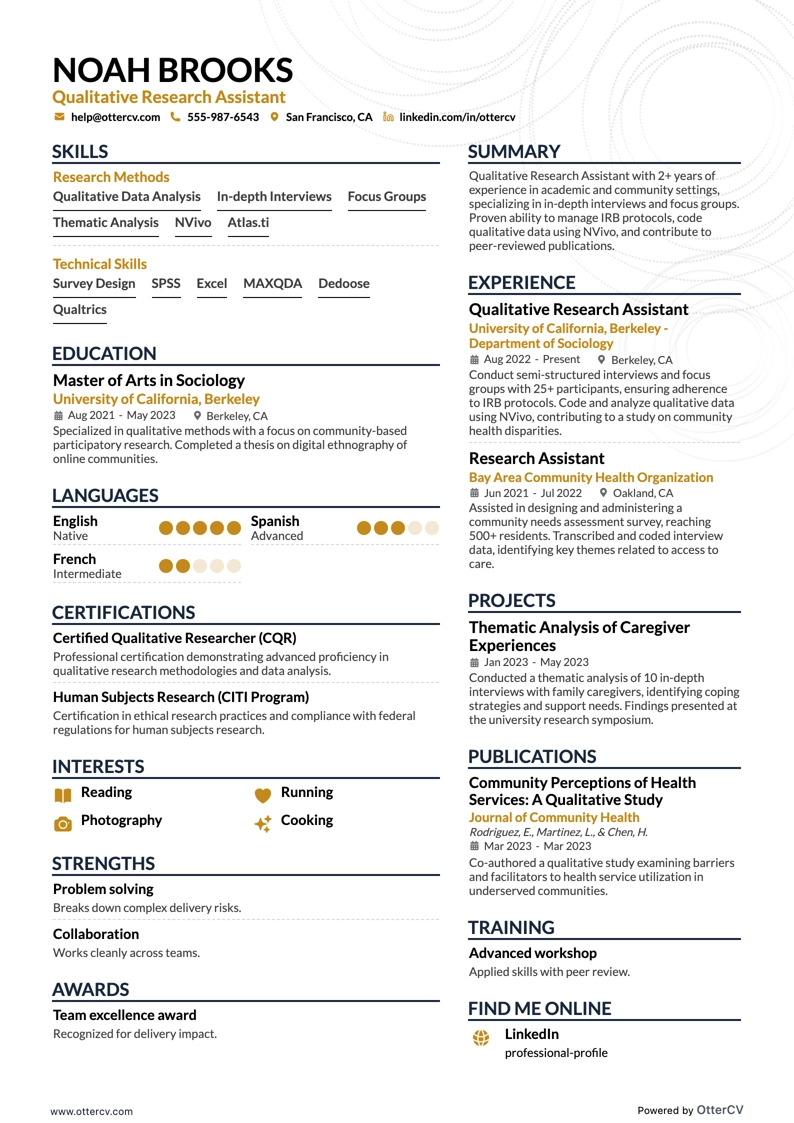
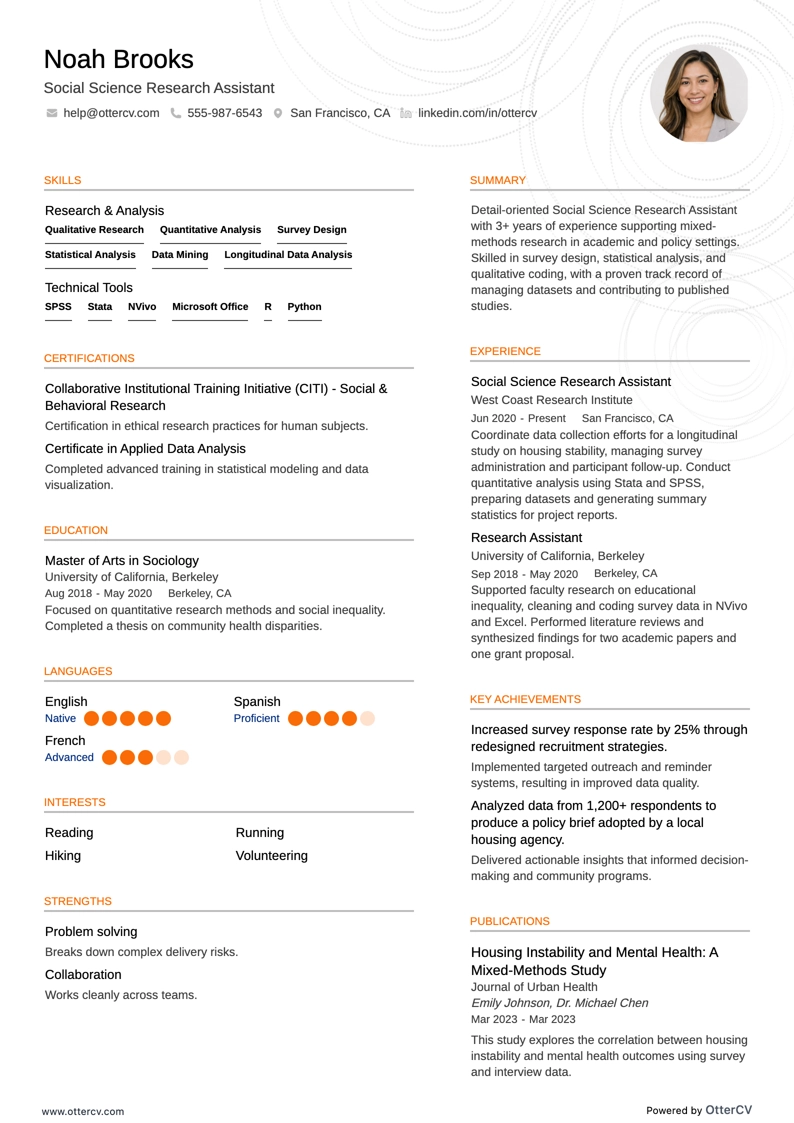
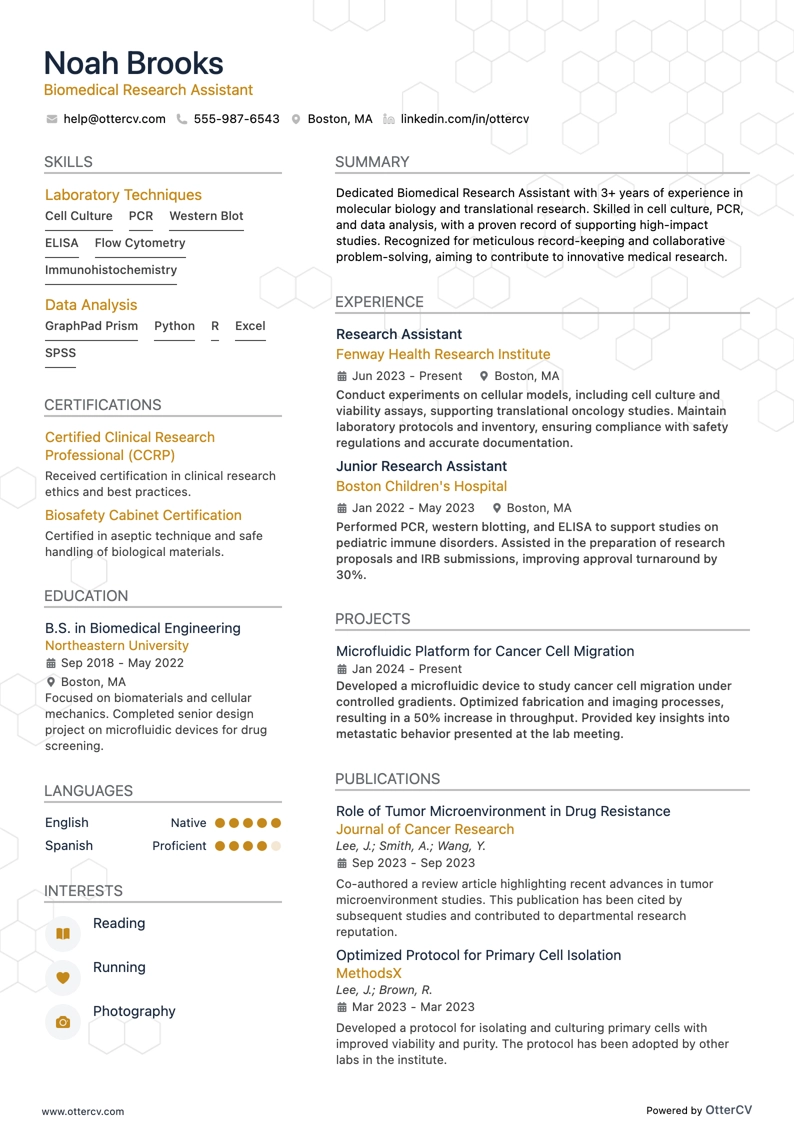
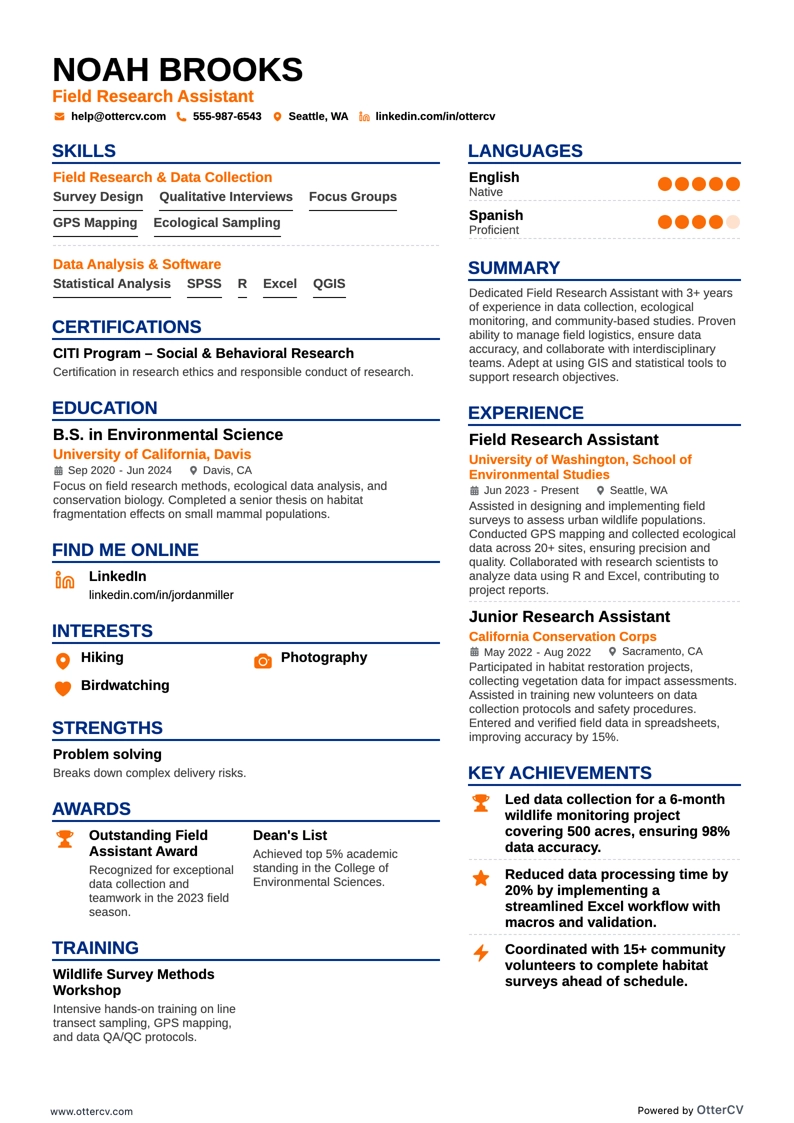
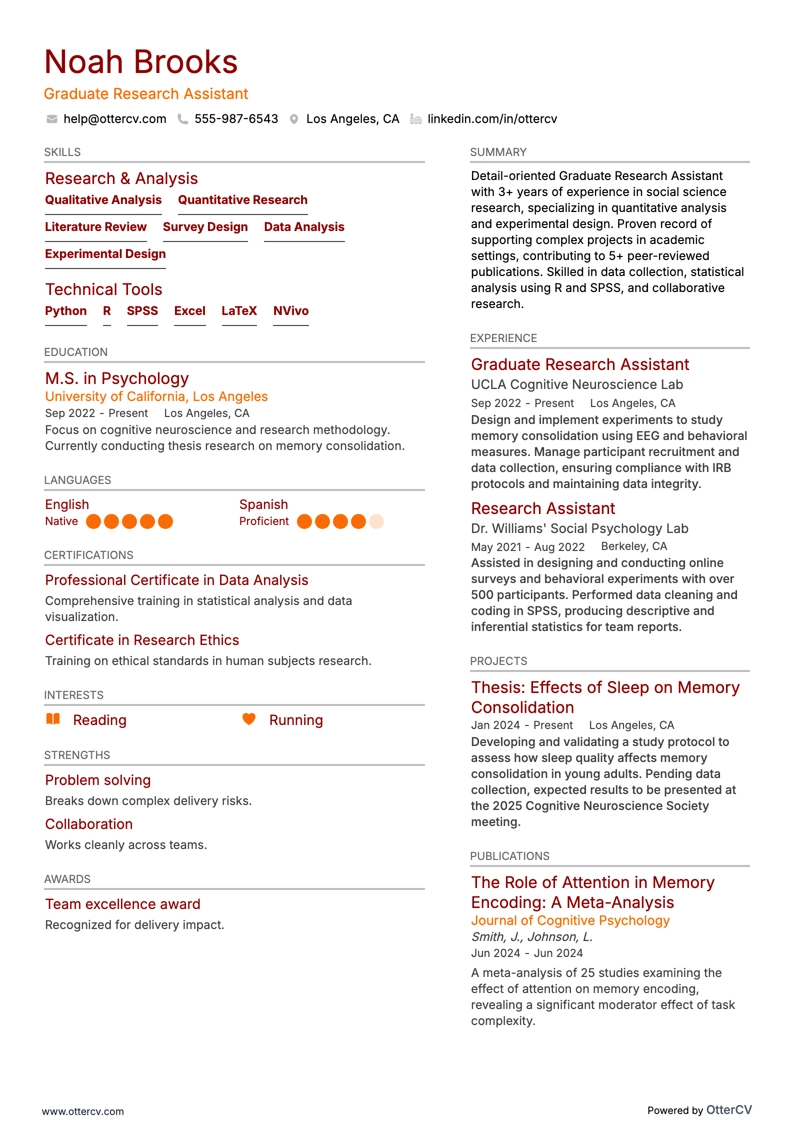
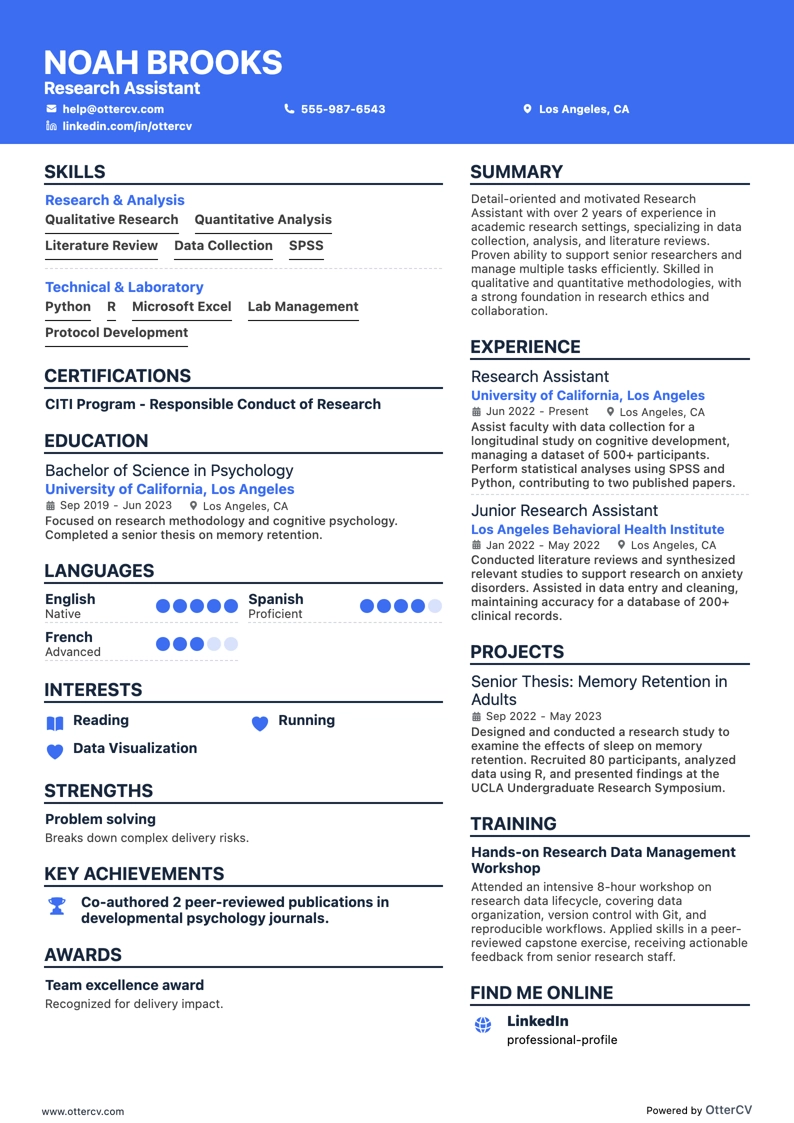
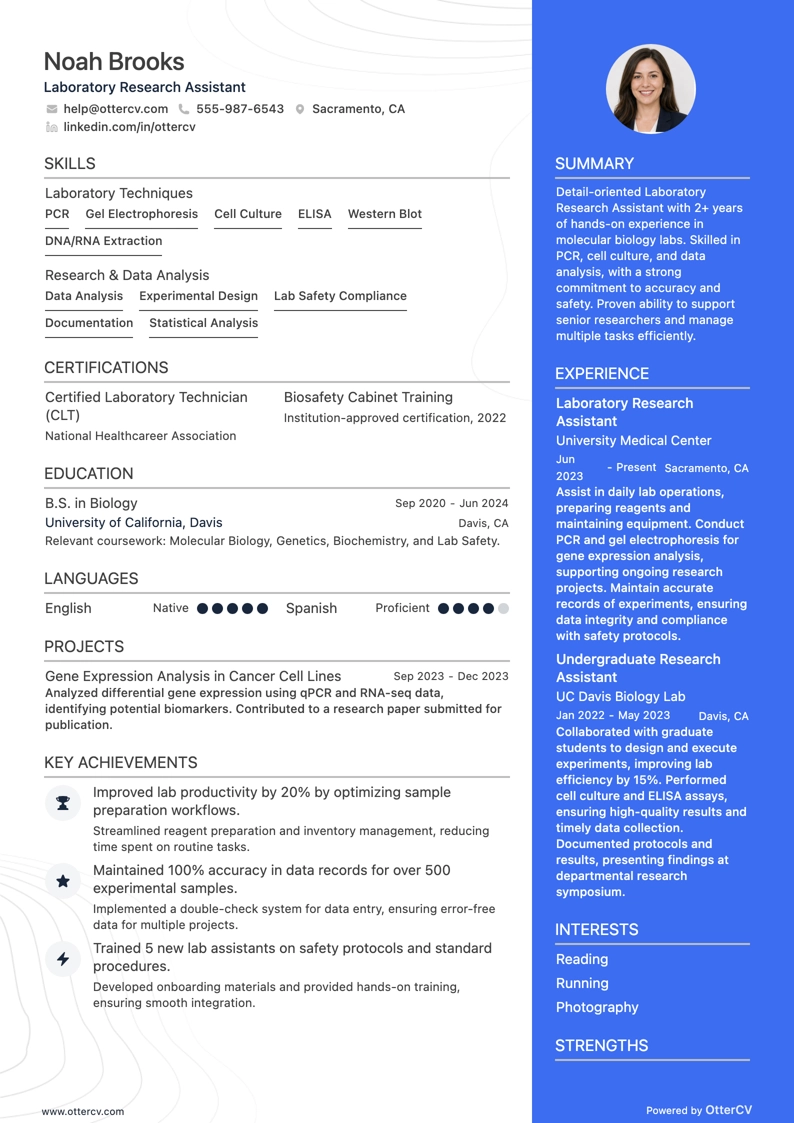
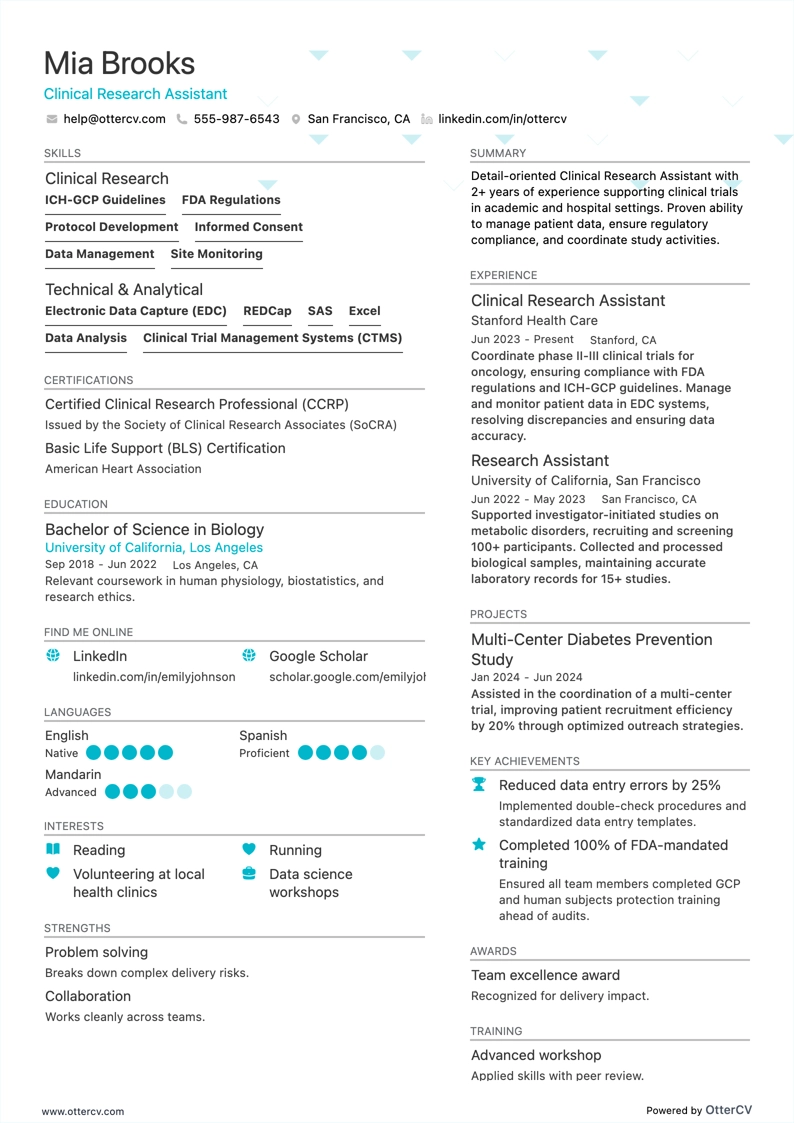
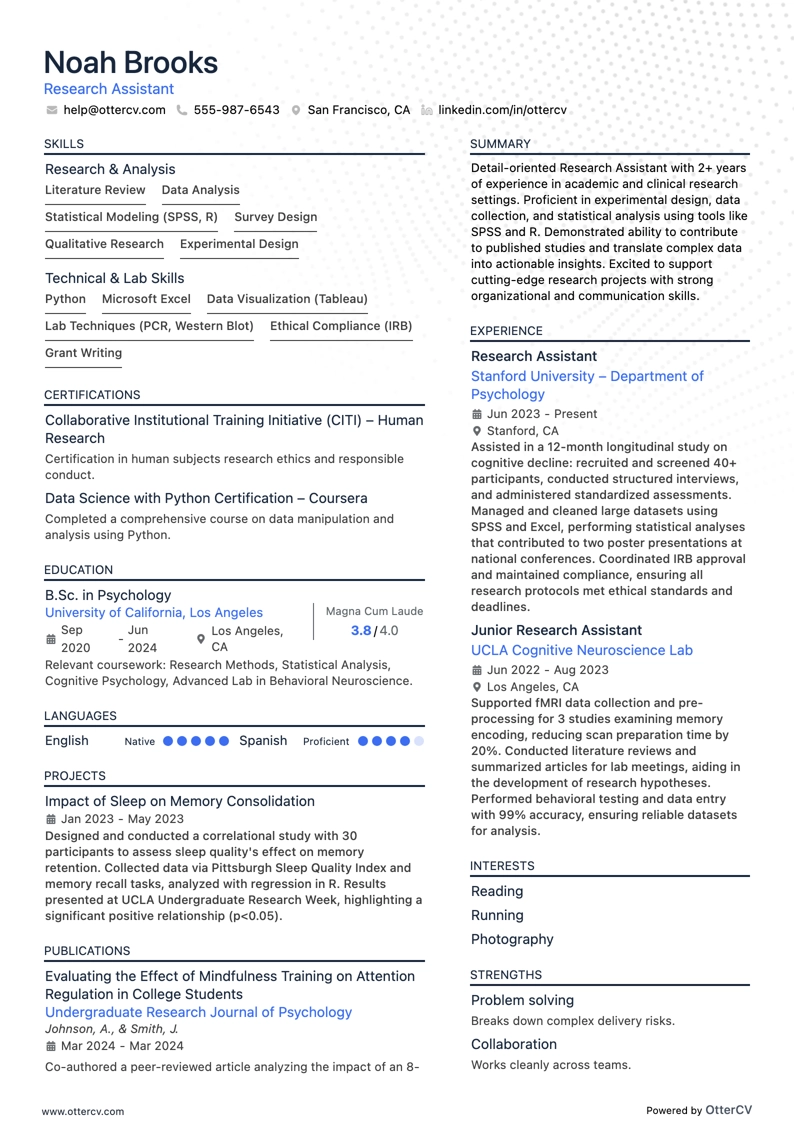
Imagine you are an HR professional at company X reviewing two research assistant resumes. John Smith submits a simple, traditional, easy-to-read resume. Edward Price uses an unconventional and often illegible format. Which resume would you spend more time reading to understand the candidate’s experience? This example highlights why resume design matters. Your resume should be clearly formatted and communicate why you are the right person for the role.
To strike that balance:
- List your experience in reverse chronological order, starting with the most recent and relevant roles.
- Make sure your header includes essential details such as contact information, a headline, and a portfolio link. If you have one, you can also include a professional photo.
- Include only the most relevant resume sections to highlight your expertise and differentiate yourself from other candidates.
- Edit your resume so it is no longer than two pages if you have extensive relevant experience, and use the space carefully.
Keep in mind that your research assistant resume may first be scanned by an Applicant Tracker System (ATS).
For ATS compatibility:
- Choose simple, legible fonts such as Raleway, Rubik, or Lato so your resume is easy to scan.
- Use either serif or sans-serif fonts, since both are ATS-friendly.
- Avoid overused choices such as Arial and Times New Roman. They are acceptable, but they may not add much personality.
Contrary to a common myth, our recent study shows that ATS software can effectively process both one-column and two-column resumes. Learn more in the ATS myths guide.
Finally, when submitting your research assistant resume, always export it as a PDF to preserve the layout and make the document easier to print, read, and scan.
Also customize your resume for the target market. For example, a Canadian resume format may differ in structure.