How to format a content manager resume
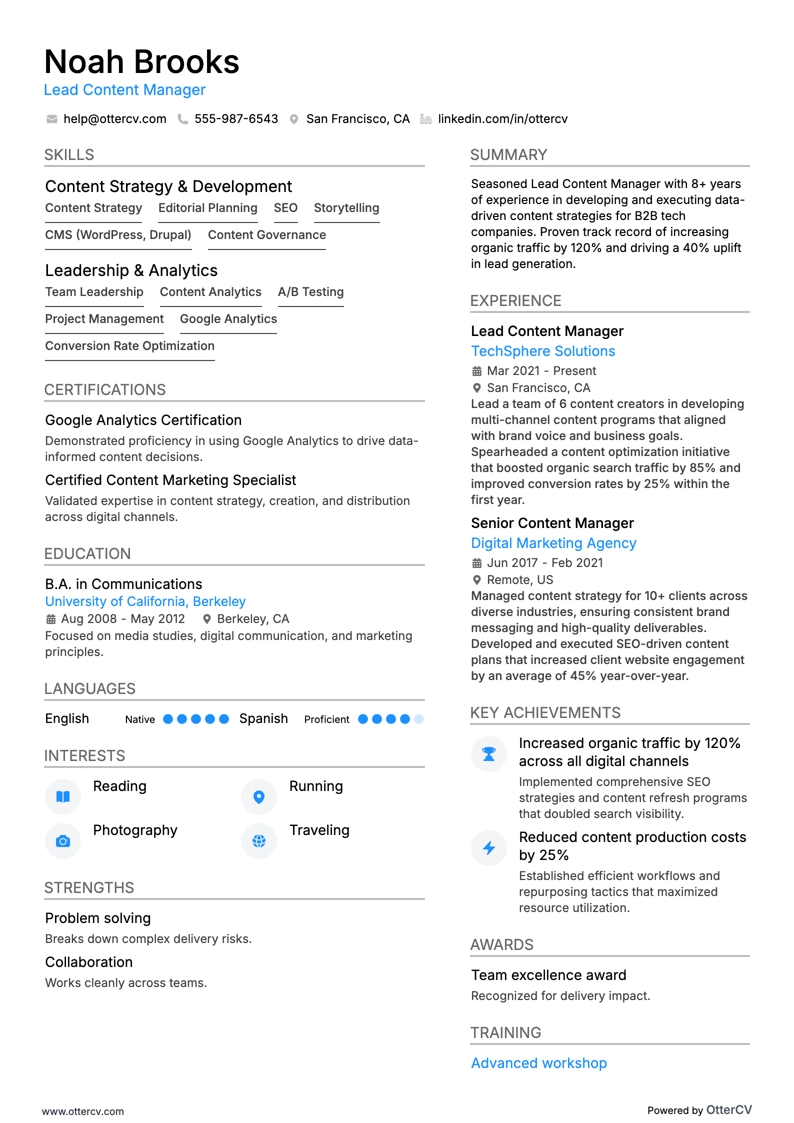
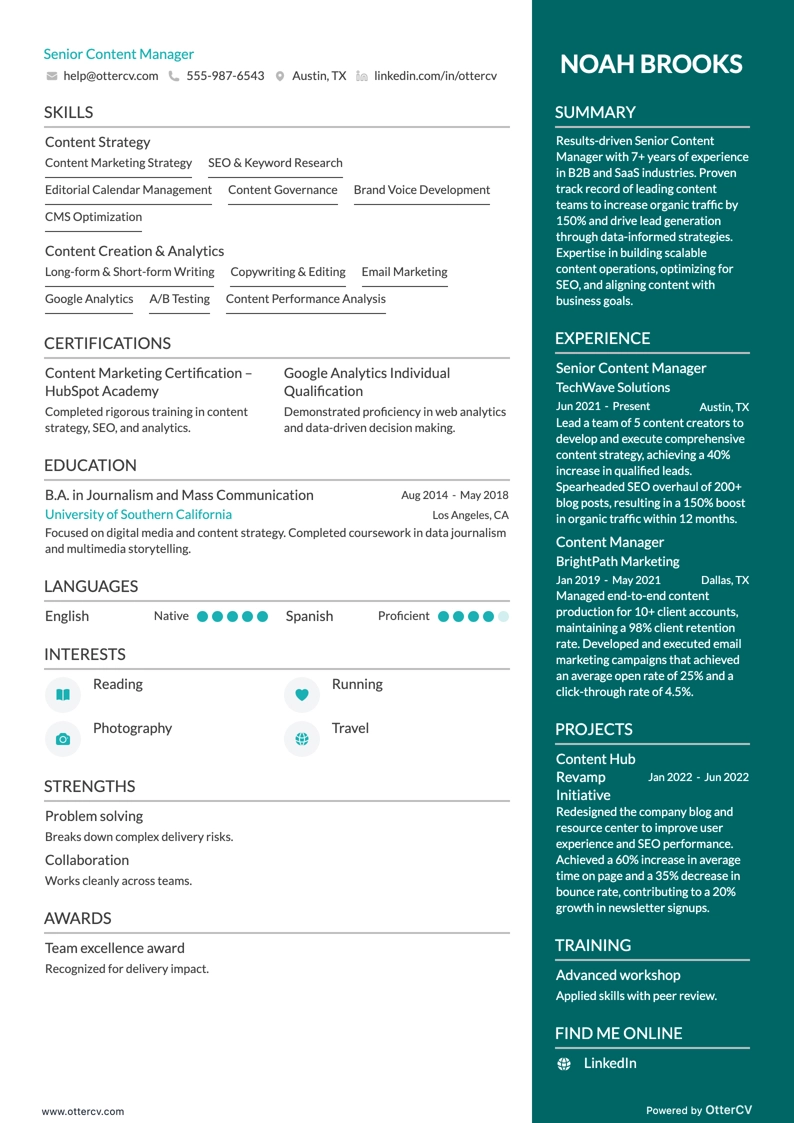
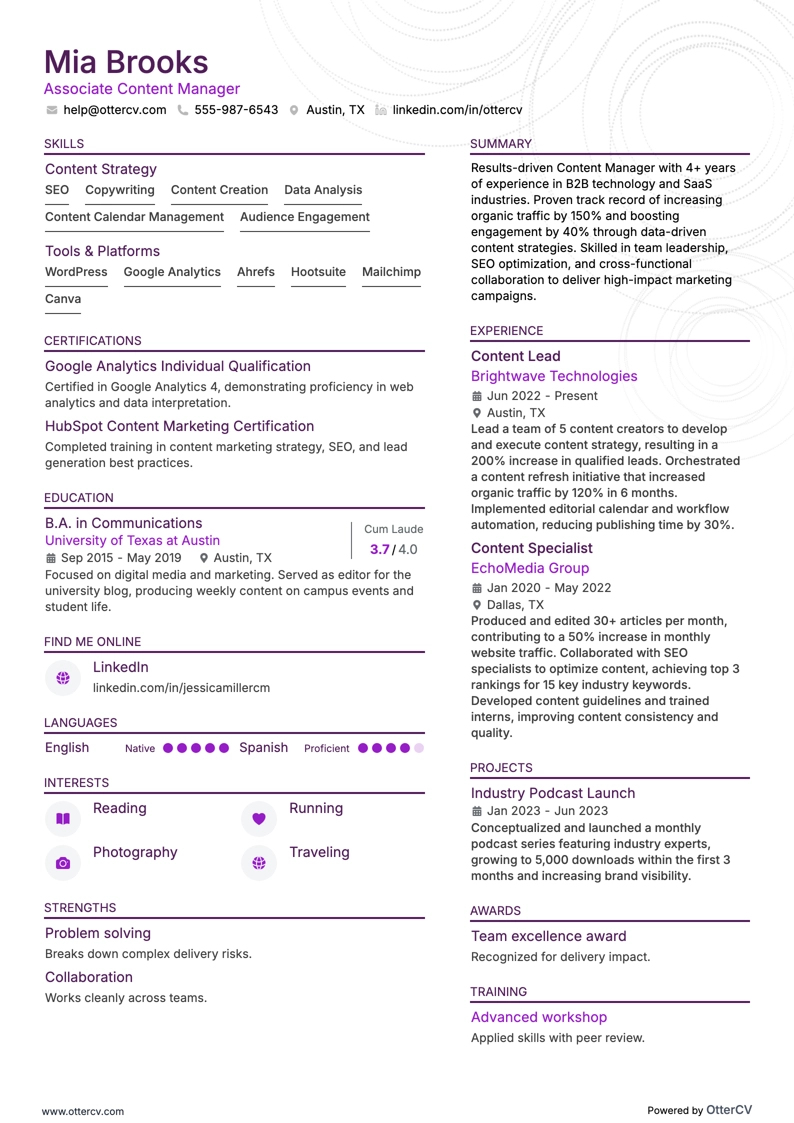
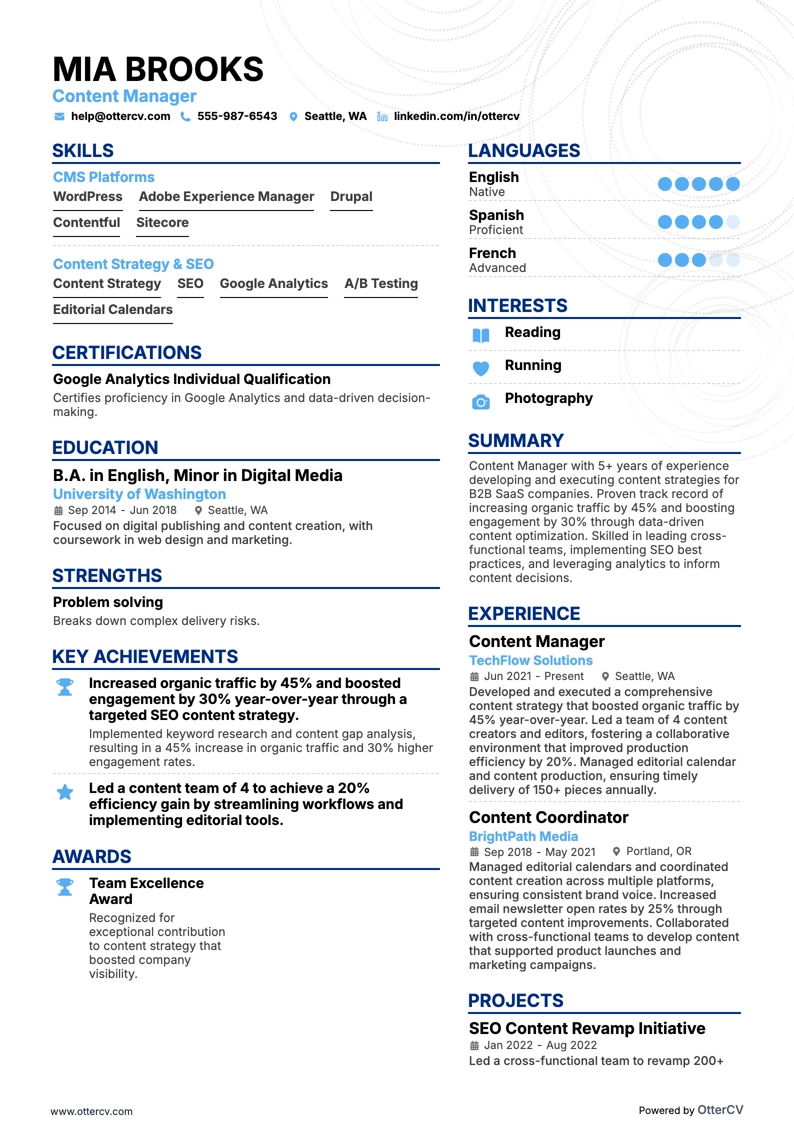
To give your resume the best chance of standing out, make sure it is properly formatted. A clean format also makes it easier for recruiters and hiring managers to review, since they expect resumes to follow familiar standards.
The days of manually reading every resume are largely over. Today, many companies use applicant tracking systems to handle the first round of screening. If your resume does not meet common industry standards, it may not pass that initial scan.
If you are using Microsoft Word or another word-processing program, new documents usually already follow a standard document layout, so you generally do not need to worry too much about margins or basic font setup.
Keep these formatting points in mind for each section:
- When listing education and work experience, use a reverse chronological format
- Make sure your contact information is up to date and that you use a professional name
- Include technical sections to highlight experience with content management systems and photo and video editing software
- Keep your resume between one and two pages
- Use a font size between 10 and 12 points
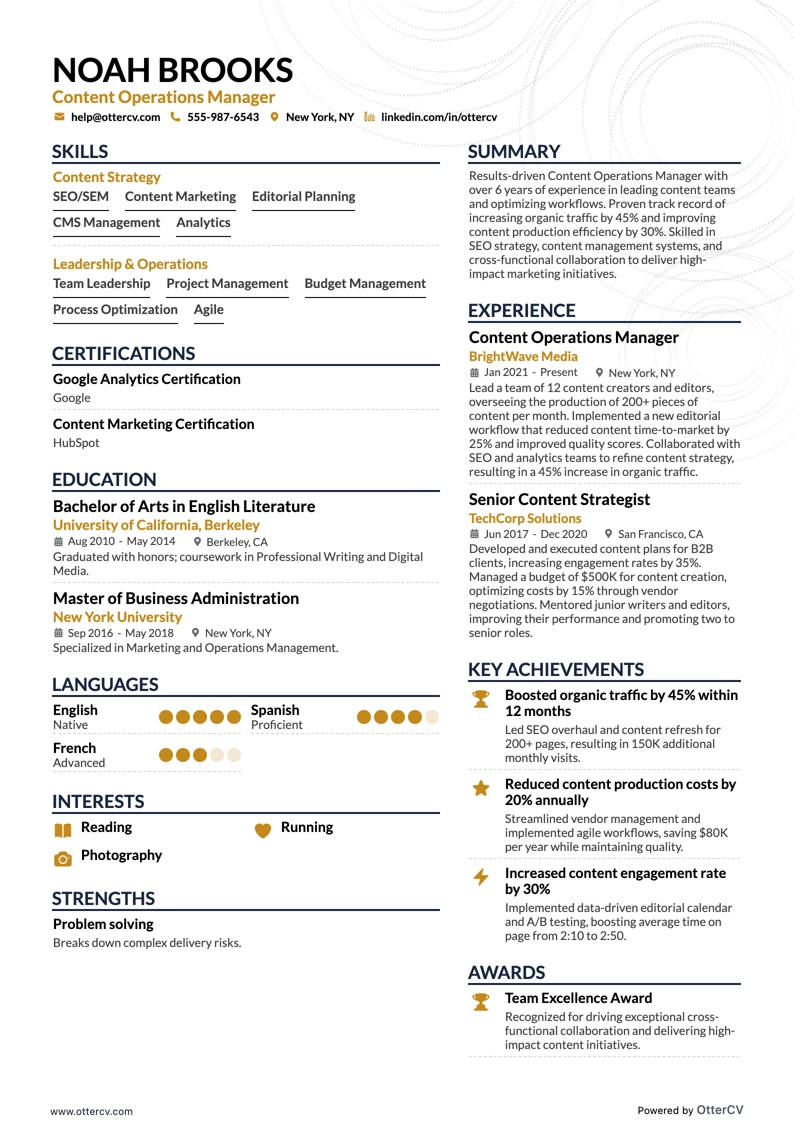
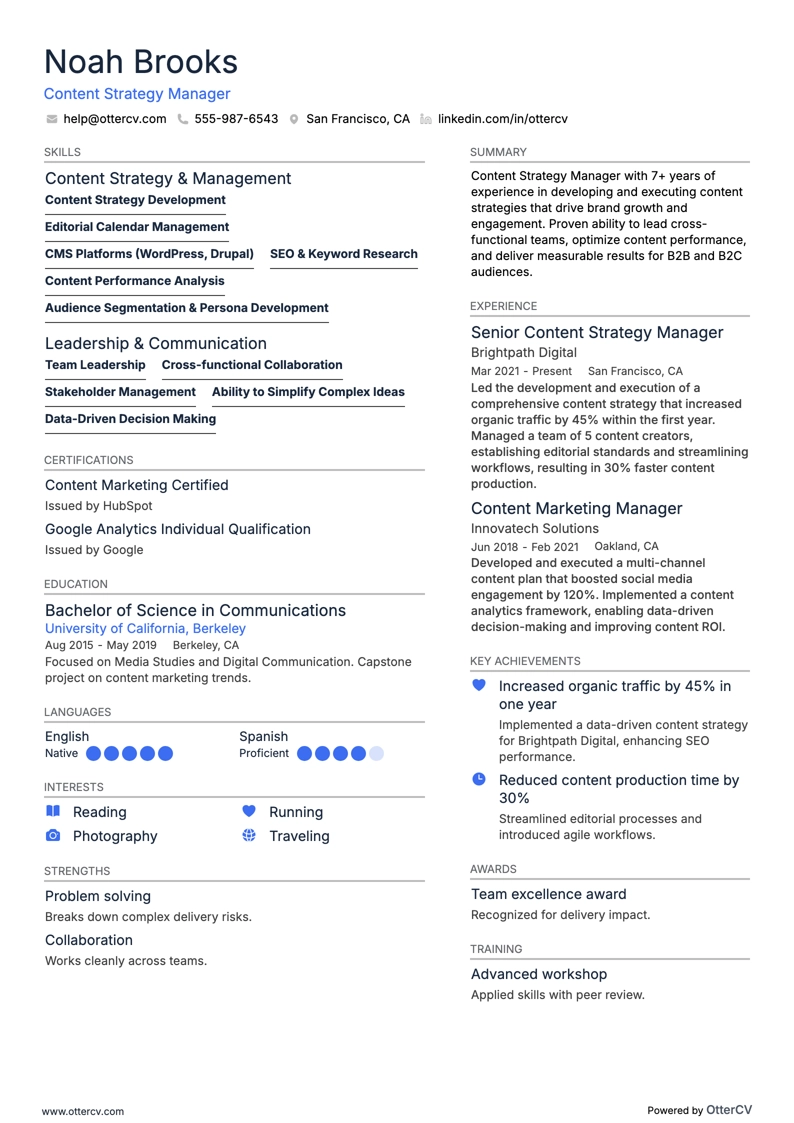
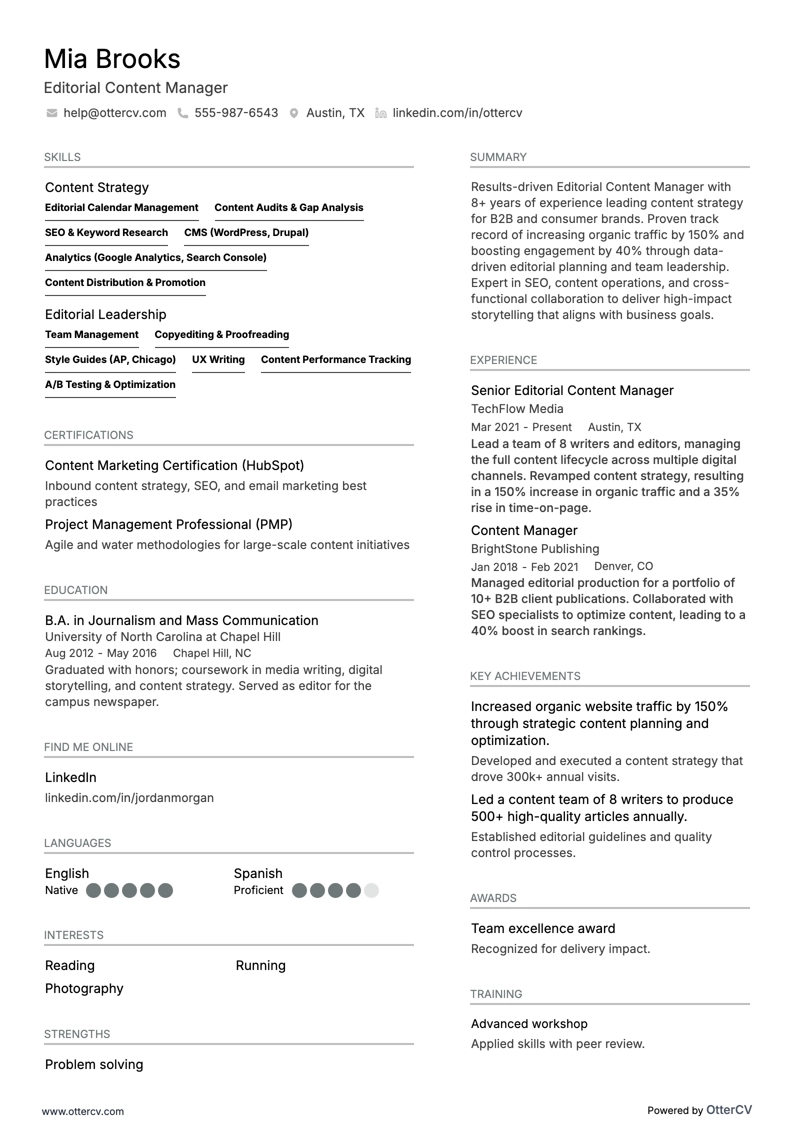
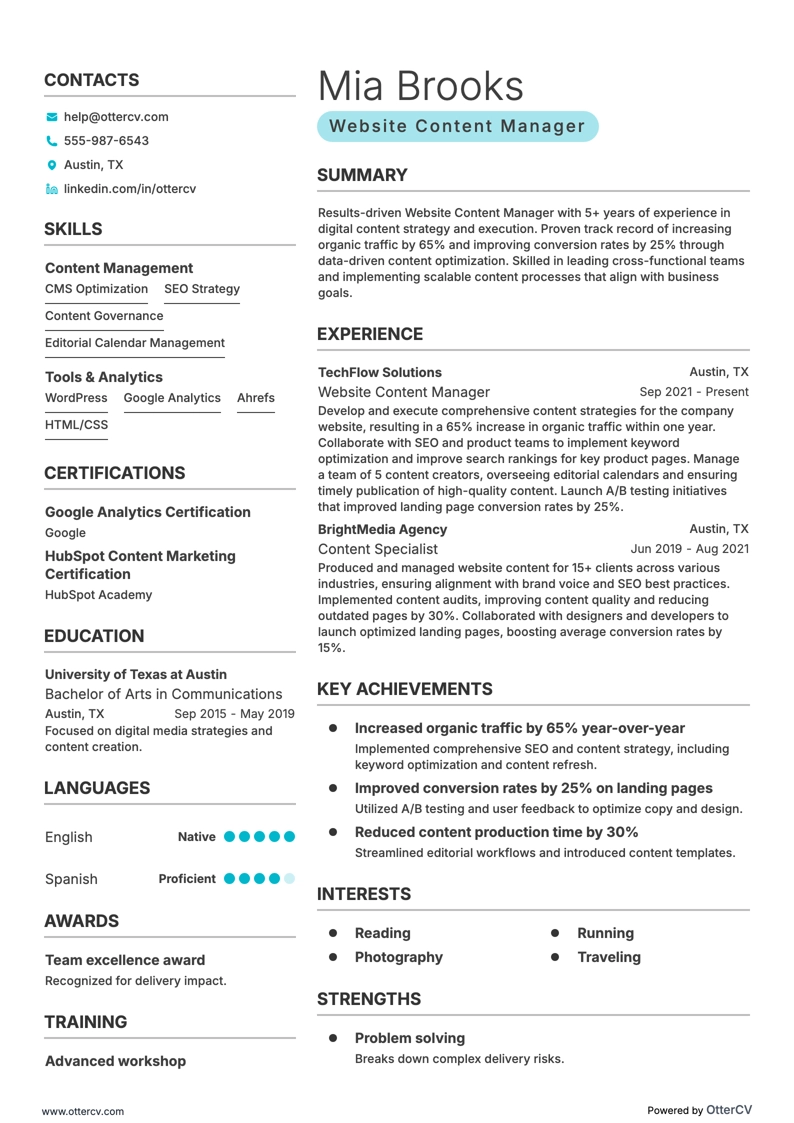
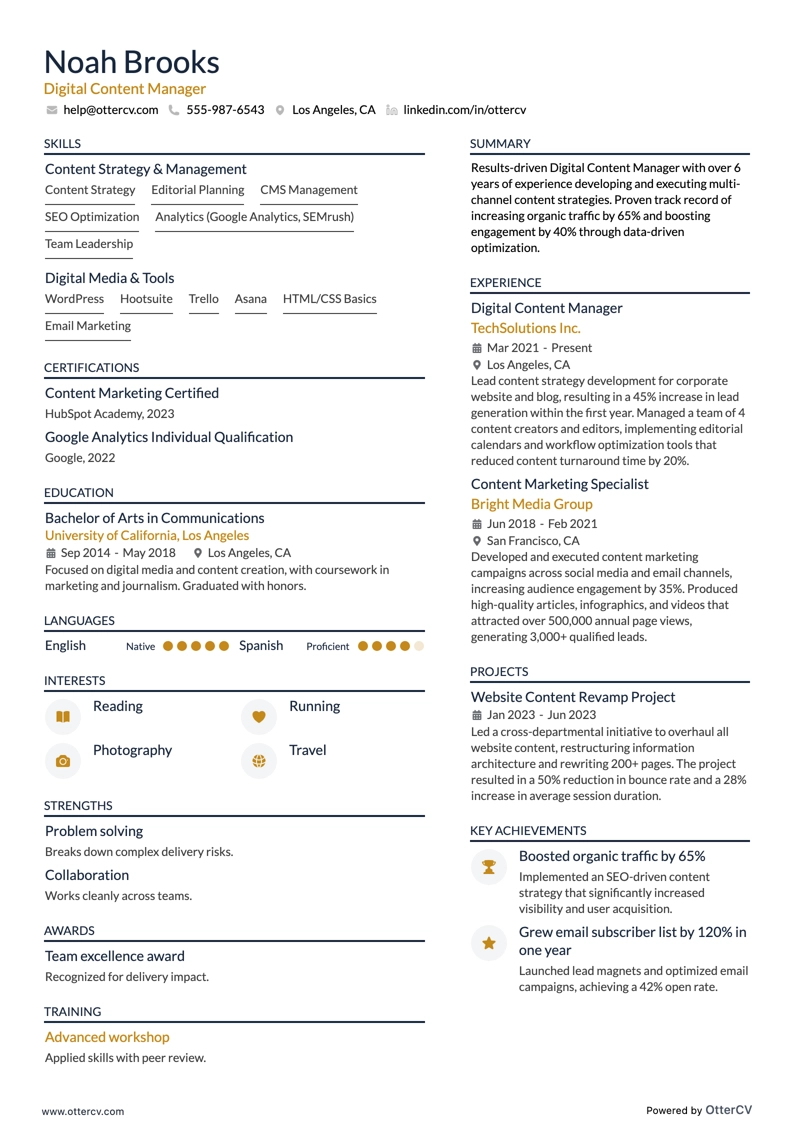
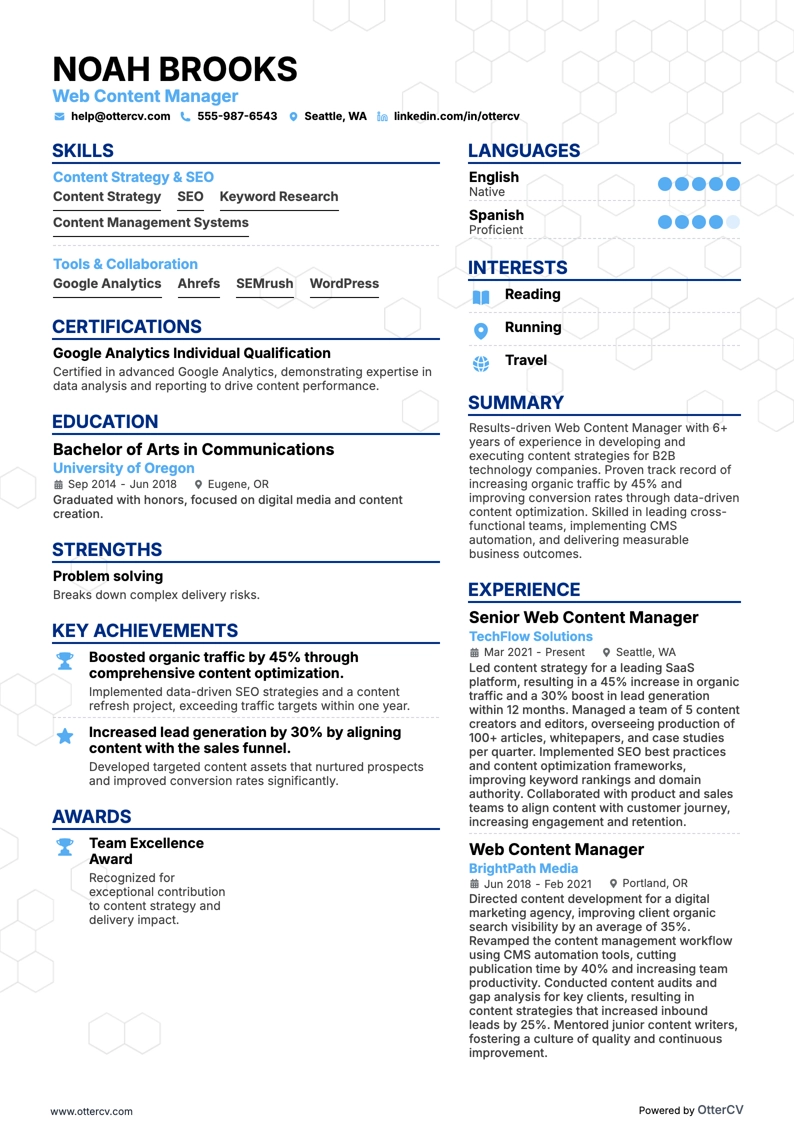
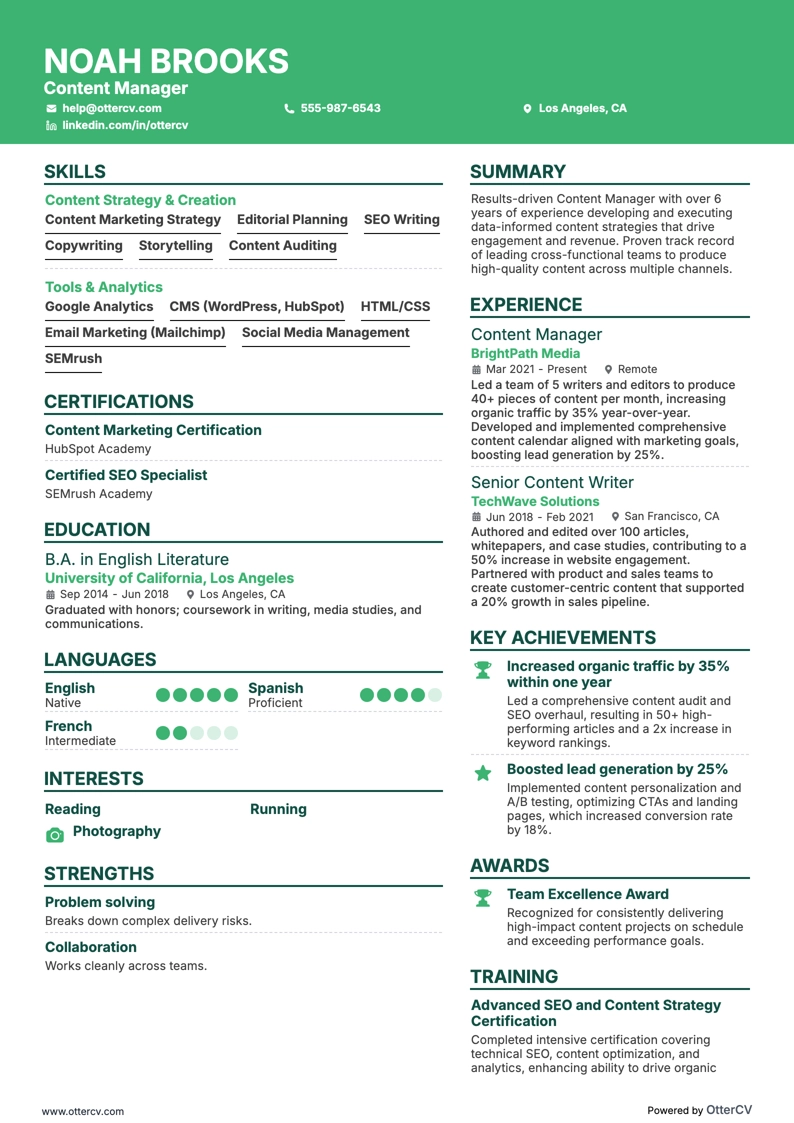
If you choose an Echocv resume template, it includes the necessary sections along with extra sections to showcase skills, strengths, and interests. It also offers popular fonts such as Rubik, Lato, Montserrat, Raleway, Exo 2, and Volkhov.
If you prefer classic fonts such as Arial and Times New Roman, those are still acceptable. Modern fonts can simply look cleaner and give your resume a more polished appearance.
Whatever font you choose, stick with a serif or sans serif typeface. Avoid curly or highly artistic fonts, as they can hurt readability and make your resume look unprofessional.
It is also important to understand how applicant tracking systems work. These tools help recruiters sort through hundreds of resumes for a single role.
Recruiters often load a job description into the system with keywords related to the role, such as content strategies, search engine optimization, and brand management. The software then scans resumes for those keywords and scores them based on how many matches it finds.
That is why you should tailor your skills and experience to match each job description as closely as possible. When your wording matches the job posting exactly, your resume is more likely to score higher.
Before sending your resume, save a copy as a PDF (.pdf). This helps preserve formatting and makes the file accessible across different computer systems.
Different markets may also follow different resume conventions. For example, a Canadian resume may require a different approach.
Want to see how your current content manager resume compares to today’s standards? Use our resume checker to measure it against real-world examples.