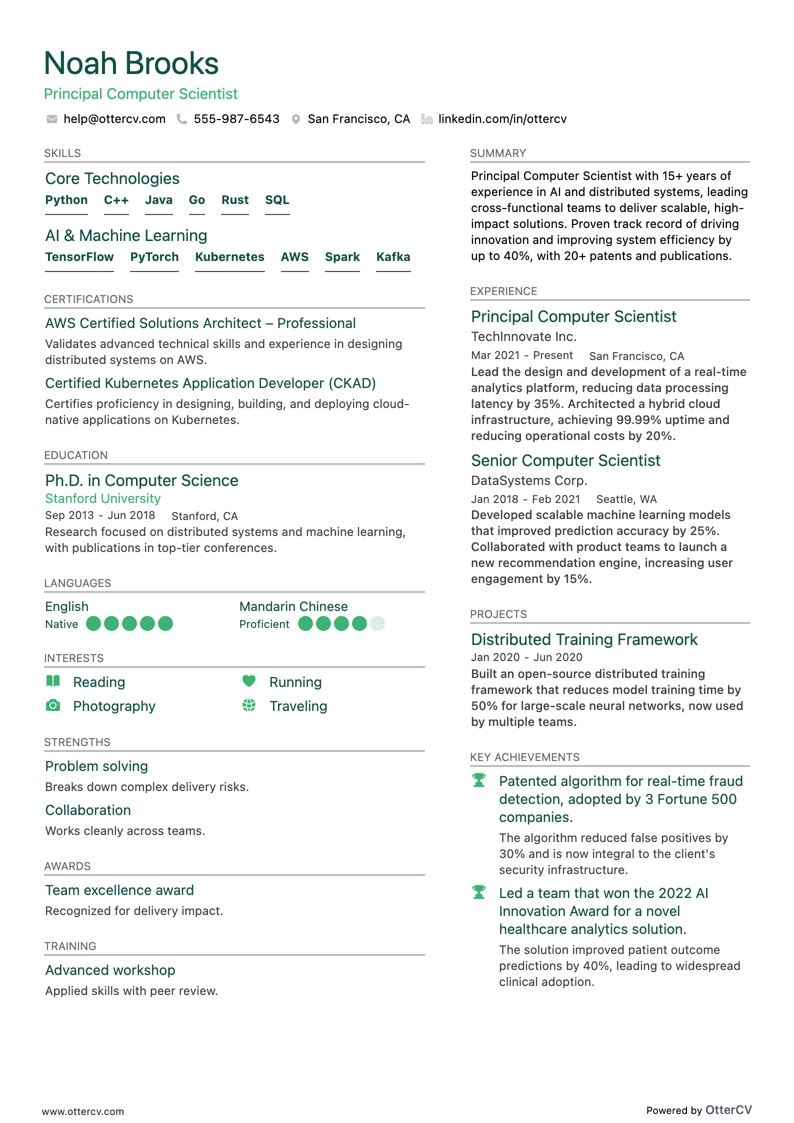
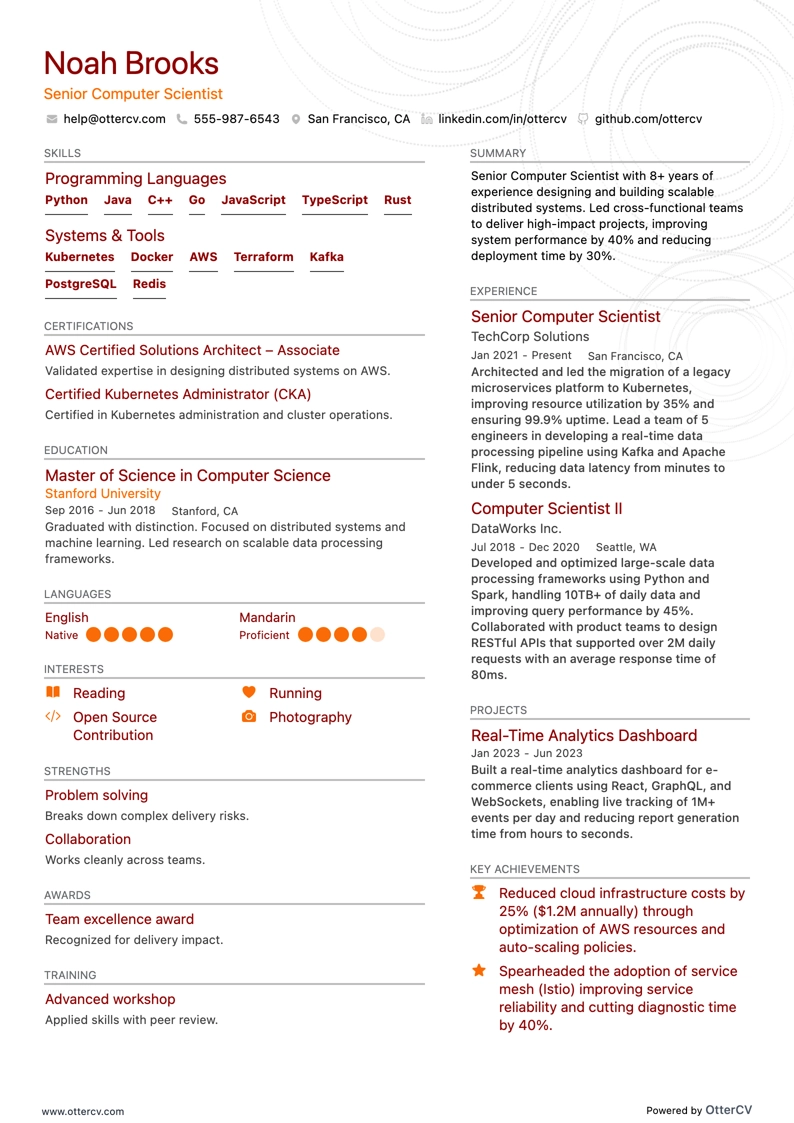
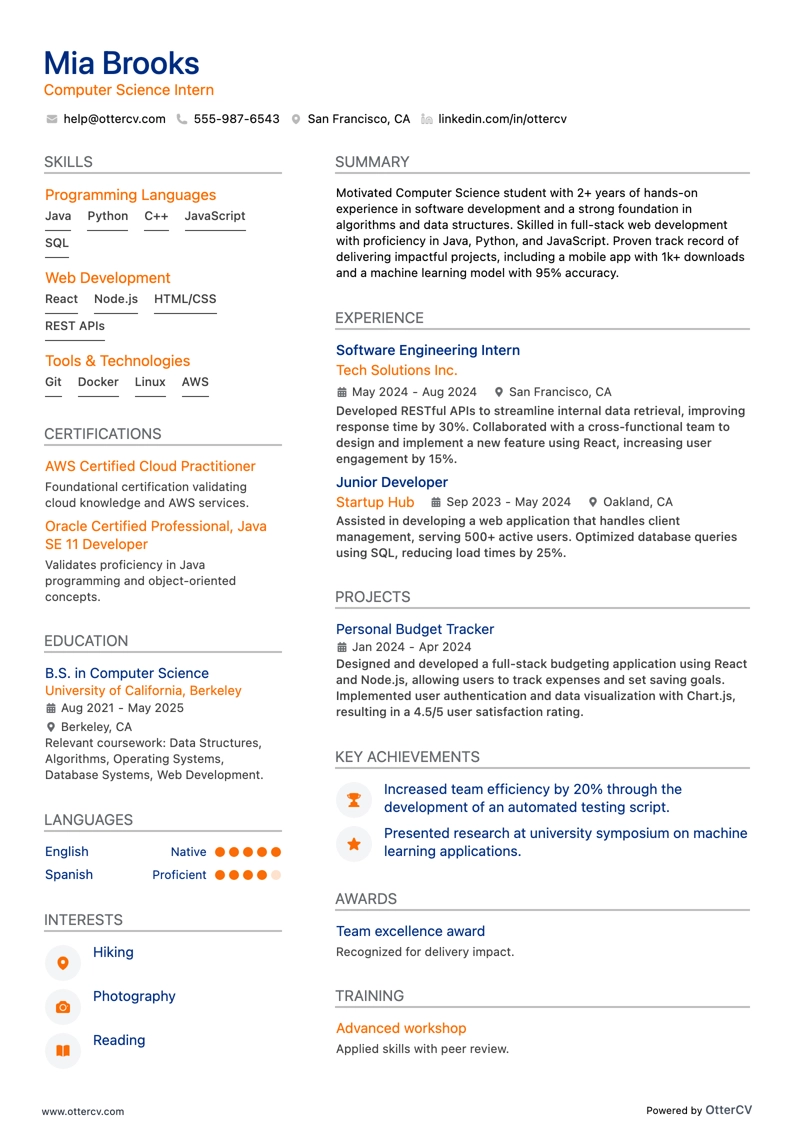
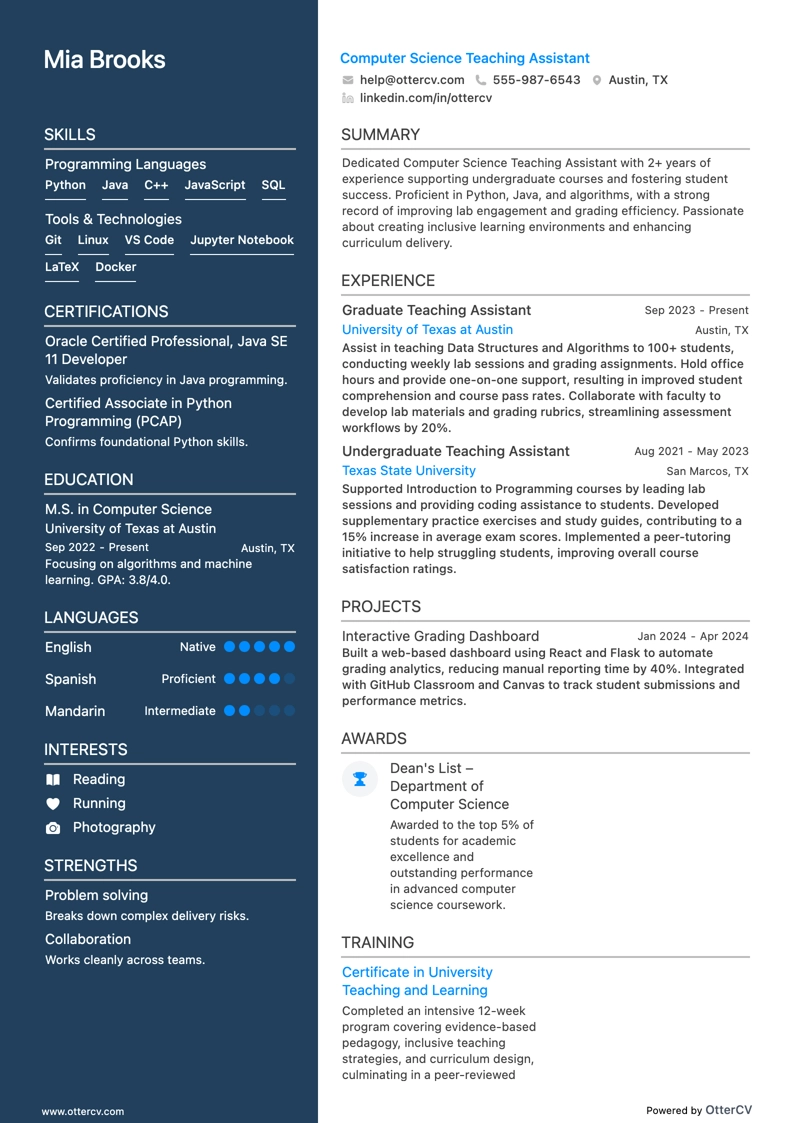
The computer science job market is growing quickly, with projected global growth of 14.5% from 2021 to 2027 and a 12% increase in U.S. jobs. If you understand how the internet, Linux, compilers, and Turing machines work, you are well positioned to build a career in this field.
Computer science can be demanding, but with the right experience, you can target top employers. The first step is getting a recruiter’s attention with a strong computer science resume, and this guide will help you do that.
In this guide, we’ll cover:
- How to pick a resume template that presents you professionally as a computer scientist.
- Which key sections to include and how to write them.
- How to highlight your computer science experience effectively.
- How to present your CS achievements to show impact.
- Which skills from the job description to emphasize when tailoring your resume.
You may also find these computer science-related resume guides useful:
- IT Intern resume
- Entry-Level Software Engineer resume
- IT Support resume
- Data Scientist resume
- Web Developer resume
How to format a computer science resume
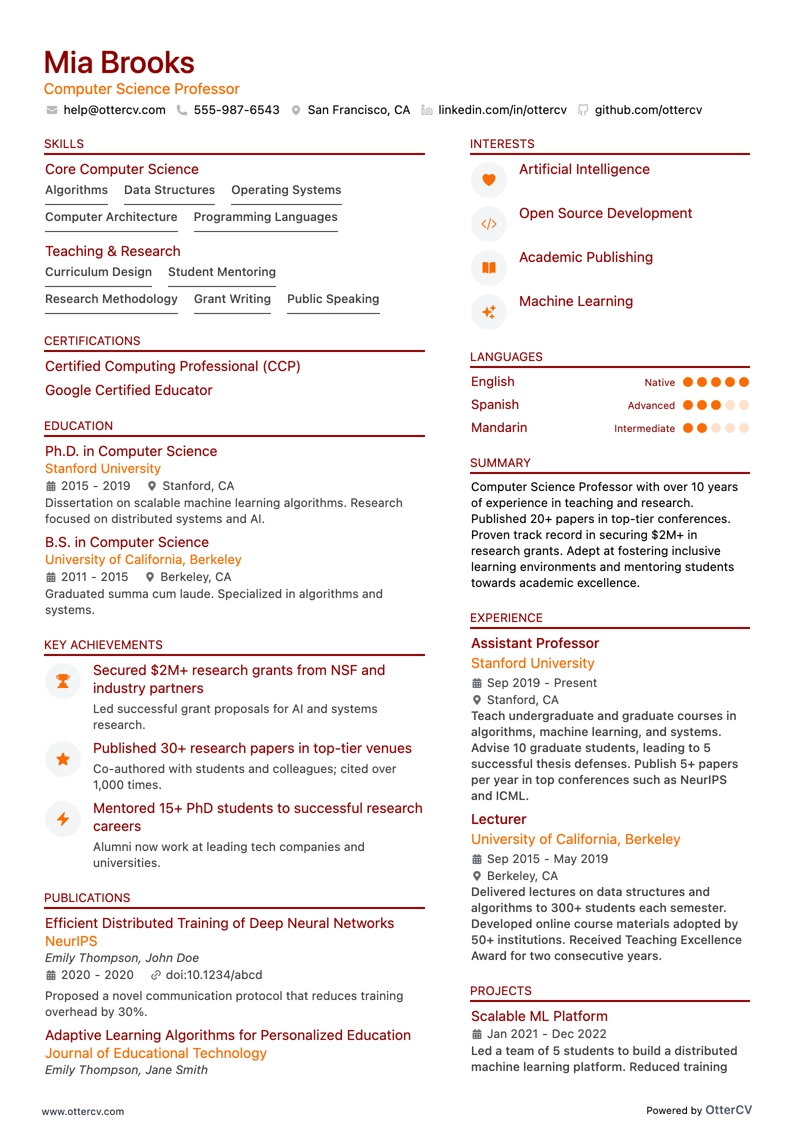
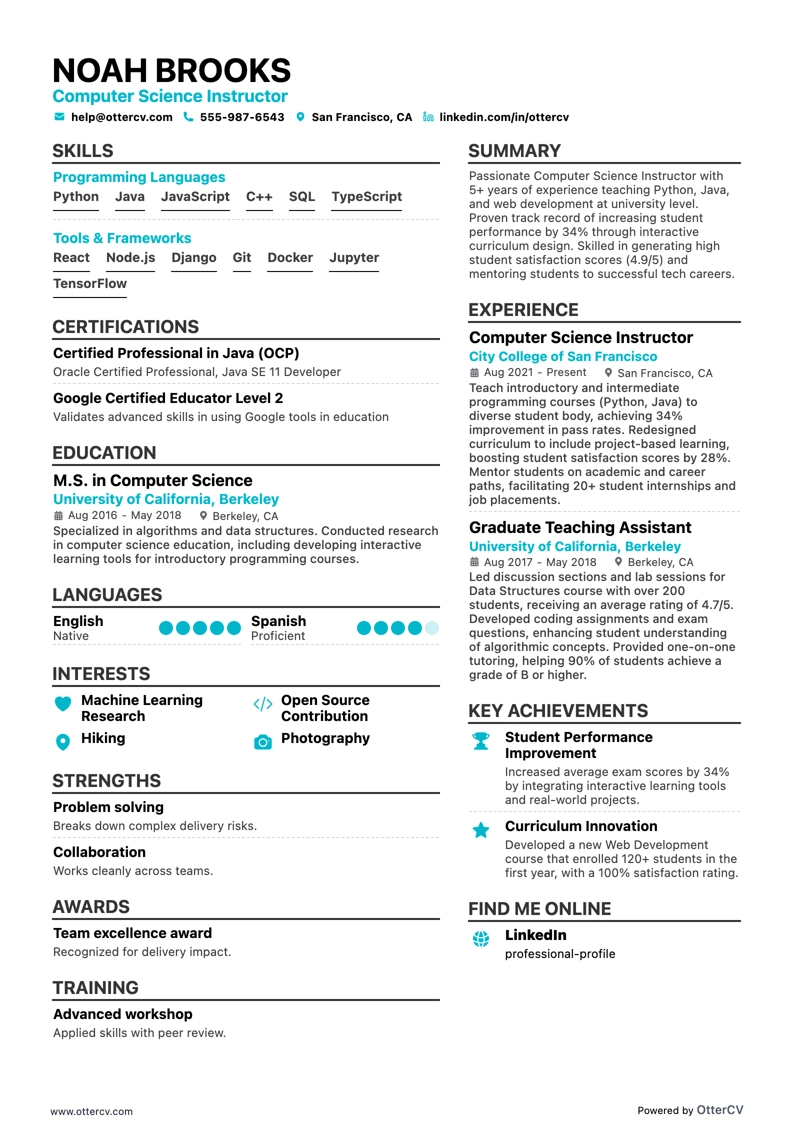
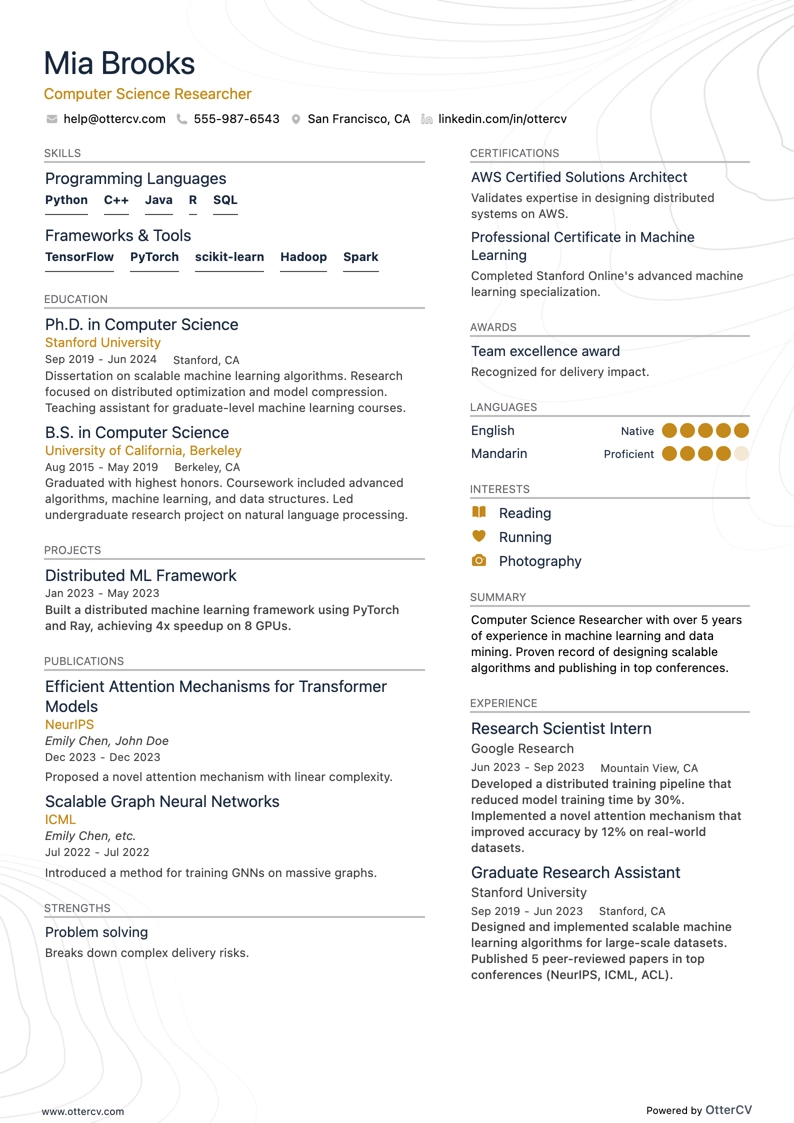
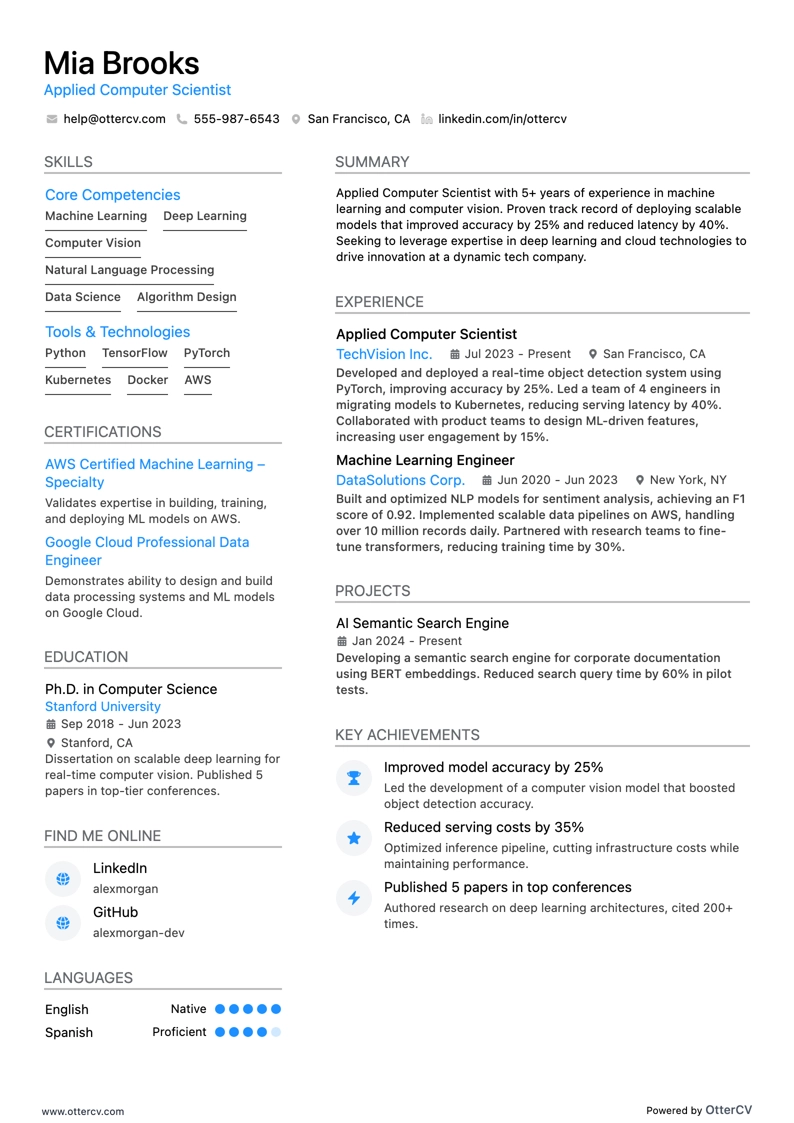
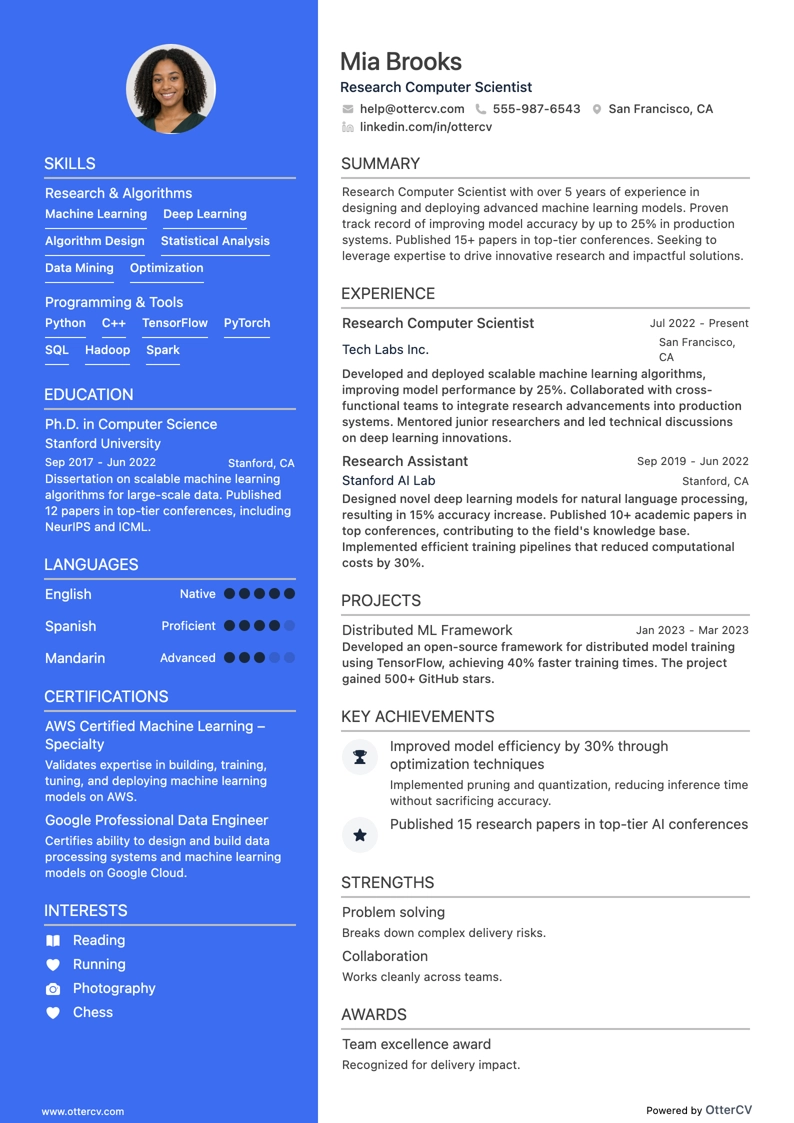
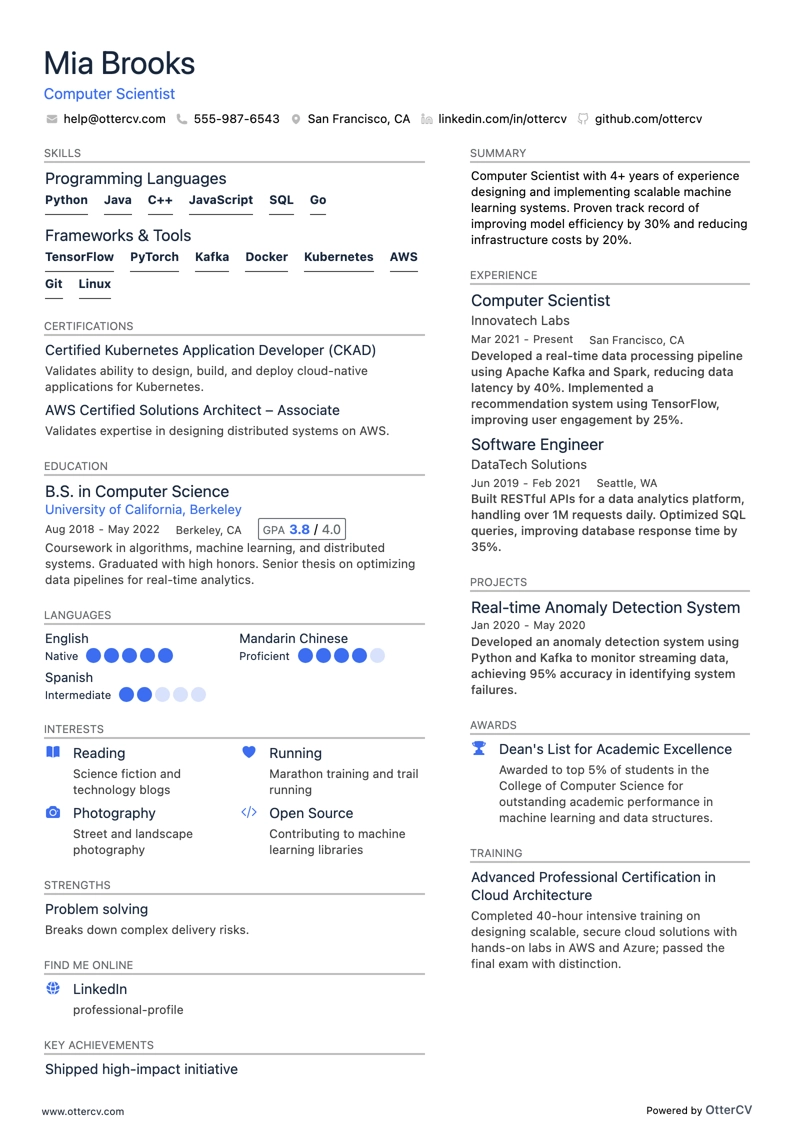
Choosing the right resume format is essential in computer science because it helps showcase your strongest skills and achievements. In a field as broad and fast-moving as CS, your resume should clearly show your strengths and how they match the role you want. The format you choose plays a major role in making a strong first impression.
You have 3 main options for formatting a computer science CV:
- Reverse chronological resume: Best if you have substantial relevant experience. It lists your work history starting with the most recent role.
- Functional resume: A strong option for newcomers to computer science, career changers, people just starting out, or those with gaps in their work history. It emphasizes skills over previous jobs.
- Combination resume: This format blends chronological and functional styles, letting you highlight key skills and achievements first, followed by a detailed work history. It works well when your experience closely matches computer science roles.
Whichever format you choose, organize your resume into clear sections that make it easy for recruiters to scan.
Here are some useful resume tips:
- Avoid decorative fonts that may be difficult for Applicant Tracking Systems to read. Stick to simple fonts like Rubik, Montserrat, Lato, or Arial, and use a font size between 10 and 12 points.
- Use 1-inch margins on all sides of your resume for a clean, professional layout.
- Choose resume colors that are easy on the eyes. Blue is a strong option because it looks professional and is widely accepted in business settings.
- Keep your resume concise and try to fit it onto one page, especially if you have less than 10 years of experience.
- Include your name, phone number, location, and professional email address in the header of your resume.
- Always save your resume as a PDF so it displays consistently across devices and platforms.
Keep in mind that resume standards vary by market. For example, a Canadian resume layout may differ.